

Ready, Set, Go: How to Launch Your Site with Elementor Pre-Built Templates

Why You Should Use Elementor Pre-Built Websites for Your Next Project
#
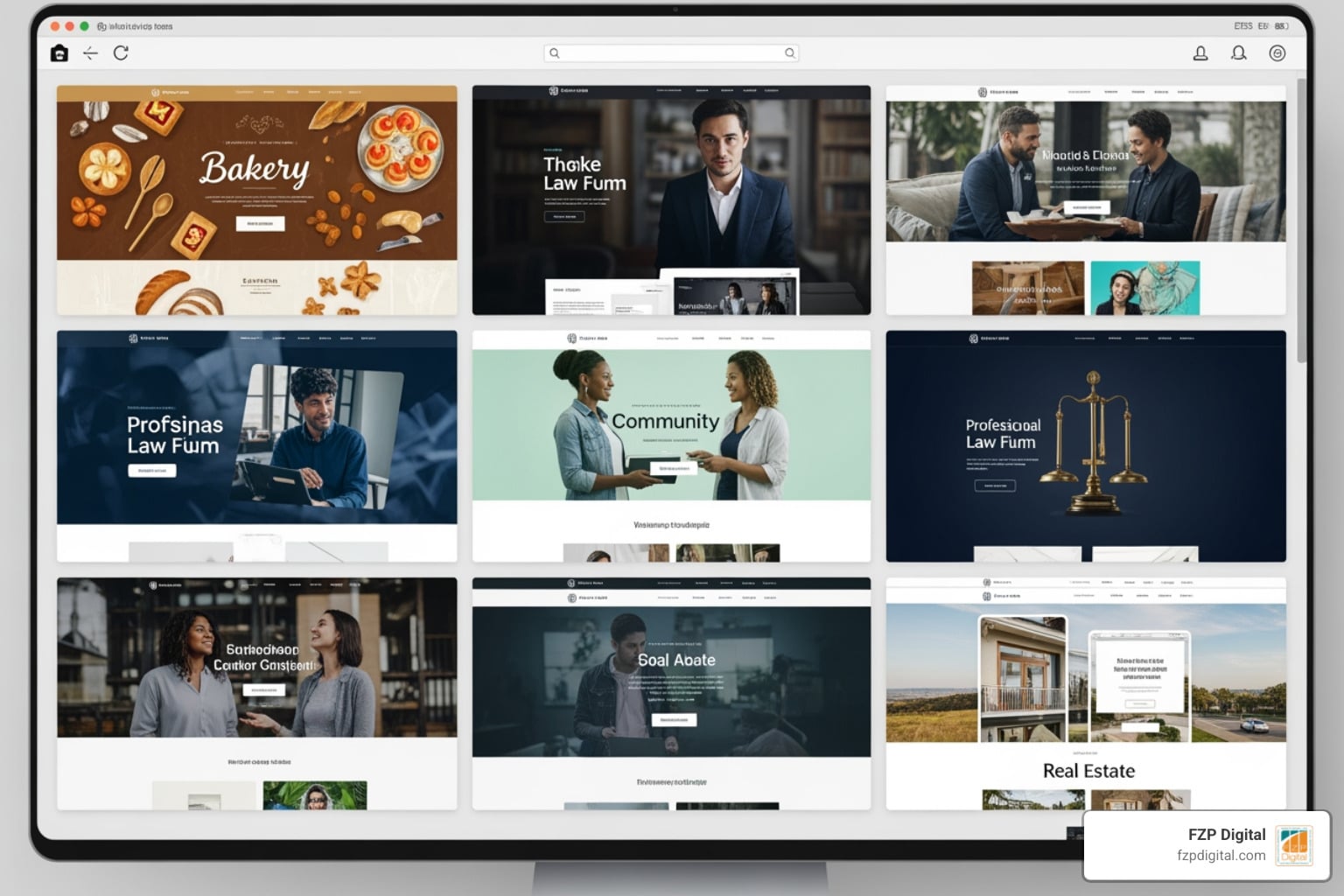
Elementor pre-built websites are complete, professionally designed website templates you can import and launch with just a few clicks. They function as a robust foundation, allowing you to create a stunning and functional website quickly, even if you have no coding knowledge.
Here’s why they’re a game-changer for your online presence:
- Rapid Deployment: Get your website live in a fraction of the time compared to building from scratch.
- No Code Required: Build like a pro without writing a single line of code.
- Expert Design: Access hundreds of professionally crafted layouts and designs for various industries.
- Full Customization: Easily adapt templates to perfectly match your brand’s unique style and content.
Are you a small business owner or a nonprofit leader in the Philadelphia area, yearning for a professional online presence but feeling overwhelmed by the thought of building a website from scratch? Perhaps your current site feels outdated, or you’re starting fresh, knowing you need a strong digital footprint to connect with clients and donors. You’re not alone! The good news? Building a beautiful, high-performing website doesn’t have to be complicated, expensive, or require a team of developers.
That’s where Elementor, the leading WordPress website builder, comes in. Elementor, powering over 21 million sites and 13% of the web, brings design freedom and control to your fingertips. Its secret weapon for speed and ease? Pre-built websites and templates.
These ready-to-use designs transform the daunting task of website creation into an exciting, achievable project. They provide a quick start, giving you a professional-looking site that you can then easily customize to reflect your unique brand and message.
At FZP Digital, we believe in empowering businesses and nonprofits like yours to thrive online. My journey into digital marketing began by merging my business acumen with a passion for creative technology, leading me to help clients build beautiful, functional websites, often leveraging powerful tools like Elementor pre-built websites. We’re here to guide you through making this powerful tool work for your goals.
Common elementor pre built websites vocab:
Have you ever stared at a blank screen, wondering where to even begin with your website design? We’ve all been there! It’s like trying to build a house without a blueprint. Elementor pre-built websites are that blueprint. They provide a structural foundation that lets you skip the “blank page syndrome” and jump straight into the fun part: making it yours.
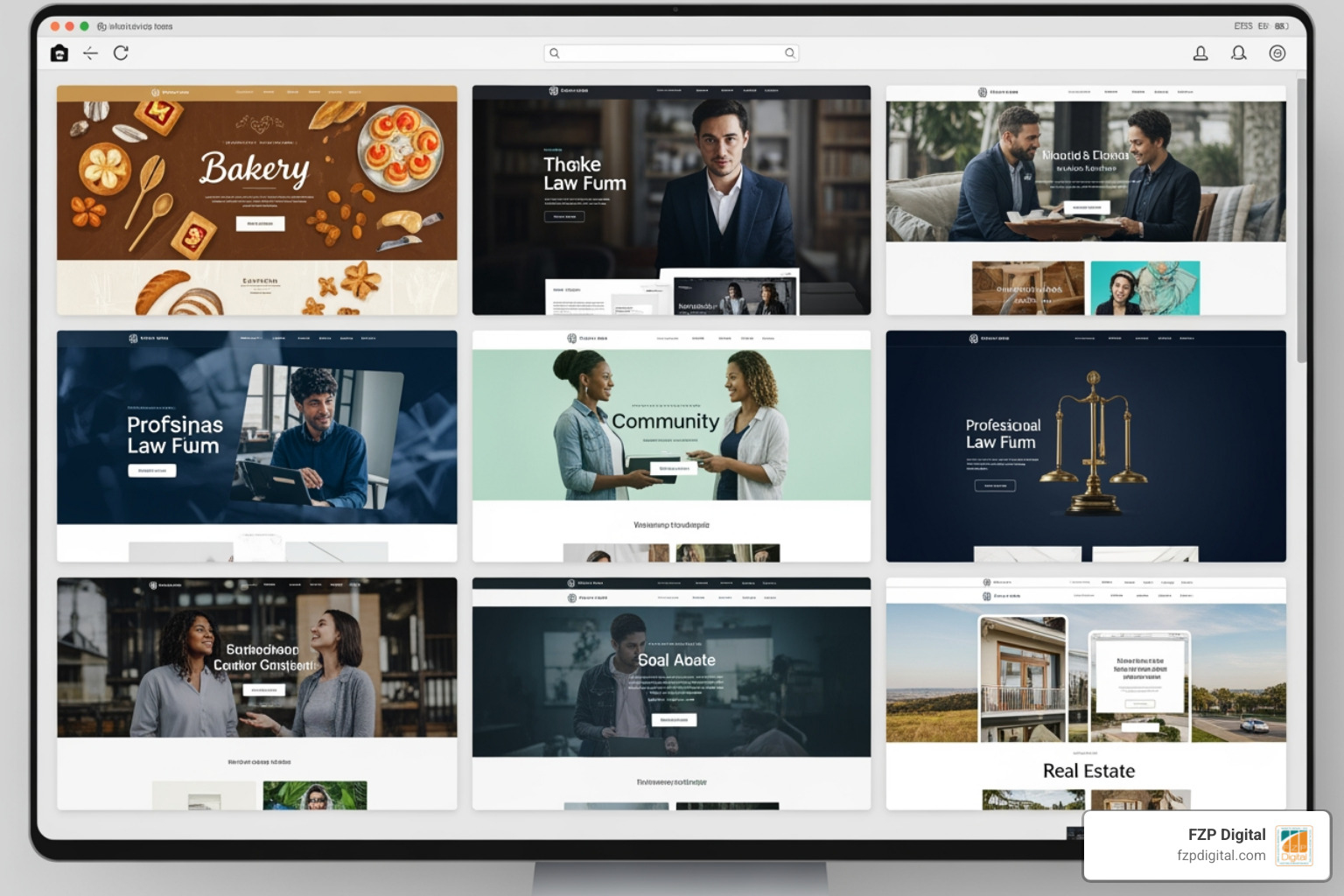
When we talk about design freedom, we mean it. Elementor isn’t just a tool; it’s a movement that currently powers 13% of the entire web. That is over 21 million active websites! By choosing to Jumpstart Your Website Creation with Fully Designed Website Templates, you’re tapping into a massive ecosystem of professional designs that have been tested and proven to work.
The beauty of these templates is that they are built for performance and control. You don’t need to be a coding wizard or have “developer” in your job title. These designs are ready for your brand right out of the box, offering a professional aesthetic that would typically cost thousands of dollars in custom design fees. Whether you’re a local bakery in Newtown or a law firm in Center City Philadelphia, there’s a foundation waiting for you.
Who is Elementor Designed For?
Elementor is truly the “people’s builder.” It’s designed for creatives who want their portfolios to pop, businesses that need to convert visitors into customers, and entrepreneurs who need to get to market yesterday. If you’re looking for the best wordpress business website templates, you’ll find that Elementor’s library covers everything from sleek corporate sites to cozy local shop layouts.
We often work with web creators who are brilliant at what they do—like running a non-profit or managing a medical practice—but don’t have the time to learn CSS or PHP. For you, Elementor is a lifesaver. It bridges the gap between having a “DIY” looking site and a professional, high-end digital presence.
Free vs. Premium Elementor Pre-Built Websites
One of the most common questions we get at FZP Digital is, “Do I have to pay for these?” The answer is: it depends on your needs! There is a massive selection of free templates available through the Elementor library and third-party plugins. These are fantastic for getting started and often include high-quality designs.
However, if you want the “crème de la crème,” you might look into Elementor Pro or specific premium kits. Premium templates are clearly marked (usually with a yellow ‘Premium’ tag) and often include more advanced features like integrated forms, motion effects, and specific shop layouts. For example, a Martial Arts School Template Example might be available for free, giving you a great starting point for a local sports club without any upfront cost.
Finding the Perfect Foundation: Themes and Compatibility
Think of your WordPress theme as the chassis of a car and Elementor as the custom bodywork and interior. To get the best performance, you need a chassis that is lightweight and fast. If the theme is “bloated” with too many built-in features you don’t use, your site will drag.
For a professional wordpress design, we almost always recommend starting with a theme specifically built to stay out of Elementor’s way. You want clean code and speed optimization above all else. Why? Because search engines—and your visitors—love speed!
The Best Themes for Elementor
If you ask any expert, two names usually rise to the top: Astra and Hello.
- Astra: This is a powerhouse. It is incredibly fast, lightweight, and comes with its own “Starter Templates” plugin that offers over 230 professionally designed layouts. It integrates so seamlessly with Elementor that it’s often the go-to for small businesses.
- Hello Theme: Created by the Elementor team themselves, this is the ultimate “blank canvas.” It has almost no styling of its own, which gives you 100% creative freedom. It’s performance-first and ensures your site stays lean.
If you’re an entrepreneur or a freelancer, The best Elementor themes for WordPress are those that don’t force you into a specific look but rather provide the stability to build whatever you imagine.
Can You Use Other Page Builders?
While we’re focusing on Elementor today, it’s worth noting that many of the templates you find (especially through Astra) are actually compatible with other builders like the WordPress Block Editor (Gutenberg) or Beaver Builder. This flexibility is great, but in our experience, the level of “drag-and-drop” ease you get with elementor pre built websites is hard to beat. It remains one of the most flexible foundations for anyone wanting a custom look without the custom headache.
Your Quick-Start Guide to Importing and Customizing Templates
Ready to get your hands dirty? Don’t worry, you won’t even get them dusty! The process of moving from a blank WordPress install to a fully designed site is surprisingly simple.
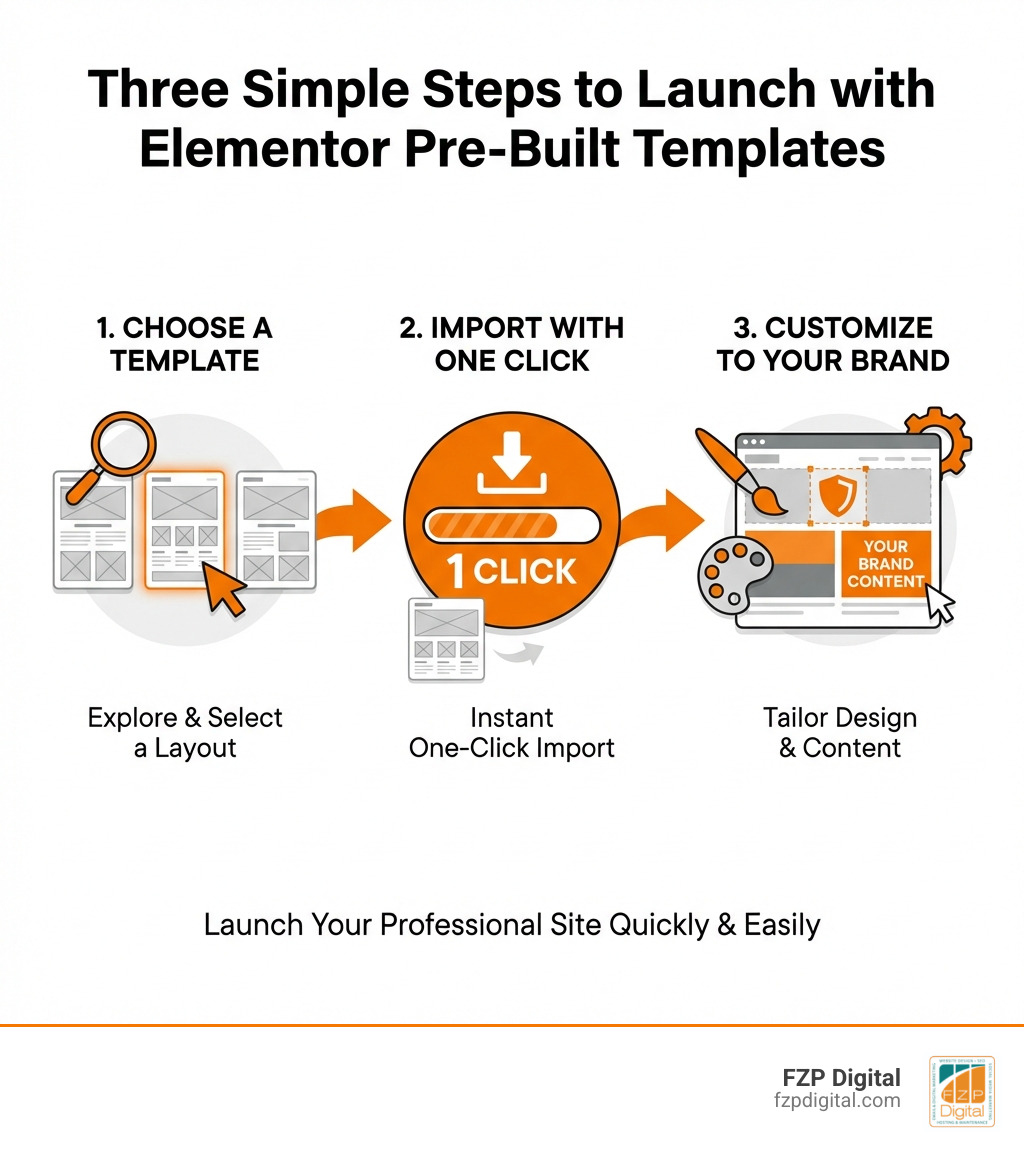
When you follow wordpress website design best practices, you start by choosing a tool that simplifies the workflow. The “Starter Templates” plugin is a favorite of ours for this very reason. It allows for a one-click import that brings in not just the design, but the images, menus, and settings too.
Step-by-Step: From Import to Live
- Install the Plugin: Go to your WordPress Dashboard > Plugins > Add New. Search for “Starter Templates” (by Brainstorm Force). Install and activate it.
- Select Your Builder: The plugin will ask you which page builder you use. Click on Elementor!
- Pick Your Template: Browse the library. You can filter by “Free” or search for your specific industry (e.g., “Plumber,” “Coach,” “Cafe”).
- Add Your Logo: Most importers let you upload your logo right then and there so it populates across the whole site.
- Submit and Build: Click the “Submit & Build My Website” button. Grab a coffee—in about 60 seconds, your site will be ready!
Customizing Elementor Pre-Built Websites to Match Your Brand
Once the import is done, you have a beautiful site, but it probably has someone else’s photos and text. This is where you make it yours. By clicking “Edit with Elementor,” you enter the visual editor.
To keep things consistent, we recommend using the “Site Settings” feature. Here, you can set Global Colors and Global Typography. Change the primary blue to your brand’s specific shade of green, and every button on the site updates instantly! This is what makes Elementor a good site builder—it respects your time by handling the repetitive stuff for you. You can drag and drop widgets, swap images, and rewrite headings until the site feels like home.
Making it Fast: Performance and SEO Best Practices
Did you know that 53% of mobile users will abandon a site if it takes longer than three seconds to load? Yikes! That’s a lot of potential customers in Philadelphia or Bucks County walking away just because of a slow connection.
When we craft custom responsive wordpress websites with speed accessibility, we focus heavily on “Core Web Vitals.” These are Google’s ways of measuring if your site provides a good user experience. Using elementor pre built websites gives you a head start, but you still need to be mindful of how much “stuff” you add to the page.
Understanding Elementor Containers and SEO
Recently, Elementor introduced “Containers” to replace the old “Sections and Columns” system. This might sound technical, but it’s actually great news for your SEO. Containers use a technology called Flexbox, which creates a much leaner HTML structure.
Why does this matter? A leaner structure means a smaller “DOM size.” Imagine your website’s code is an instruction manual. If the manual is 500 pages long (lots of nested sections), the search engine bot gets tired reading it. If it’s 50 pages (clean containers), the bot zips right through.
| Feature | Old Sections/Columns | New Flexbox Containers |
|---|---|---|
| Code Bloat | High (lots of extra |
Low (cleaner HTML) |
| Page Speed | Slower | Faster |
| Design Flexibility | Limited to columns | Infinite alignment options |
| SEO Impact | Neutral | Positive (better DOM size) |
Integrated Marketing and Domain Tools
Your website isn’t just a digital brochure; it’s a marketing machine. Elementor has evolved into a best website builder by integrating tools that used to require five different plugins.
- Custom Domains: You can now connect your domain directly within the Elementor ecosystem, cutting out the “DNS guesswork.”
- Site Mailer: This replaces the need for complex SMTP plugins, ensuring your contact form emails actually hit your inbox instead of the spam folder.
- Popup Builder: Want to offer a 10% discount to new visitors? You can build that right in Elementor without slowing down your site with third-party apps.
Growing Your Site with Elementor One and AI
The world of web design is changing fast, and AI is leading the charge. Elementor has introduced “Elementor One,” which is a unified experience that brings everything—hosting, building, and optimization—into one subscription.
With native AI tools, you can now generate text, custom code, and even images directly inside the editor. Imagine needing a photo of a “happy family in a Philadelphia park” for your homepage. Instead of hunting through stock photo sites, you can describe it to the Elementor AI and have it generated in seconds. This allows you to Build Entire Websites in A Few Clicks while maintaining a unique, high-quality look.
Extending Functionality with Plugins
While Elementor does a lot, WordPress’s real superpower is its library of over 60,000 plugins. If you’re doing small business wordpress website design, you might need to add:
- WooCommerce: For selling products online.
- CRM Integrations: To send your leads directly to tools like Hubspot or Mailchimp.
- Advanced SEO Plugins: Like Yoast or RankMath to fine-tune your keyword rankings.
The key is to review each add-on’s performance impact. Just because you can add 50 plugins doesn’t mean you should!
Frequently Asked Questions about Elementor Templates
Are Elementor templates really free?
Yes! Many are completely free. However, some “Premium” templates require an Elementor Pro subscription or a specific theme license (like Astra Pro). Always look for the “Premium” or “Pro” badge before you fall in love with a design!
Do I need Elementor Pro to use pre-built sites?
Not necessarily. Many “Starter Templates” work perfectly with the free version of Elementor. However, Pro gives you access to the Theme Builder (for custom headers/footers) and more advanced widgets that can make your site feel more “custom.”
Will using a template hurt my SEO?
Quite the opposite! Most modern templates are built with SEO best practices in mind, including mobile responsiveness and clean headings. As long as you don’t overload the page with massive, unoptimized images, a template is a fantastic, SEO-friendly starting point.
Conclusion
Launching a website doesn’t have to be a multi-month ordeal that leaves you pulling your hair out. By leveraging elementor pre built websites, you’re choosing a path that balances professional quality with incredible speed. Whether you’re in Richboro, Newtown, or Philadelphia, these tools put the power of a world-class design agency right in your hands.
However, we also know that your time is your most valuable asset. While these tools make it easier to build a site, getting it to rank #1 on Google and ensuring it converts every visitor requires a strategic touch. That’s where we come in.
At FZP Digital, Fred Z. Poritsky and our team specialize in taking these powerful foundations and turning them into high-performance marketing assets. Our “Develop . Design . Deliver” process is all about collaboration. We don’t just build a site and disappear; we work with you to increase your organic search rankings and ensure your digital presence reflects the hard work you put into your business every day.
Ready to take your online presence to the next level? Let’s chat about how we can help you navigate web-design-development and build something truly spectacular together. Reach out to FZP Digital today, and let’s get your project started!