

FZP Digital’s Beginner’s Guide to WordPress Pipedrive Integration

Why Every WordPress Site Owner Should Know About WordPress Pipedrive Integration
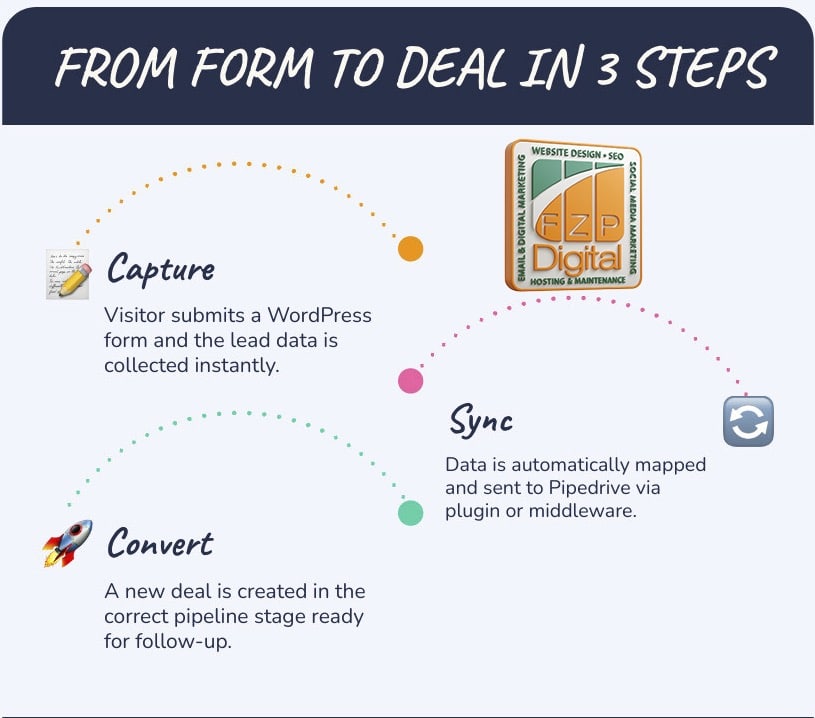
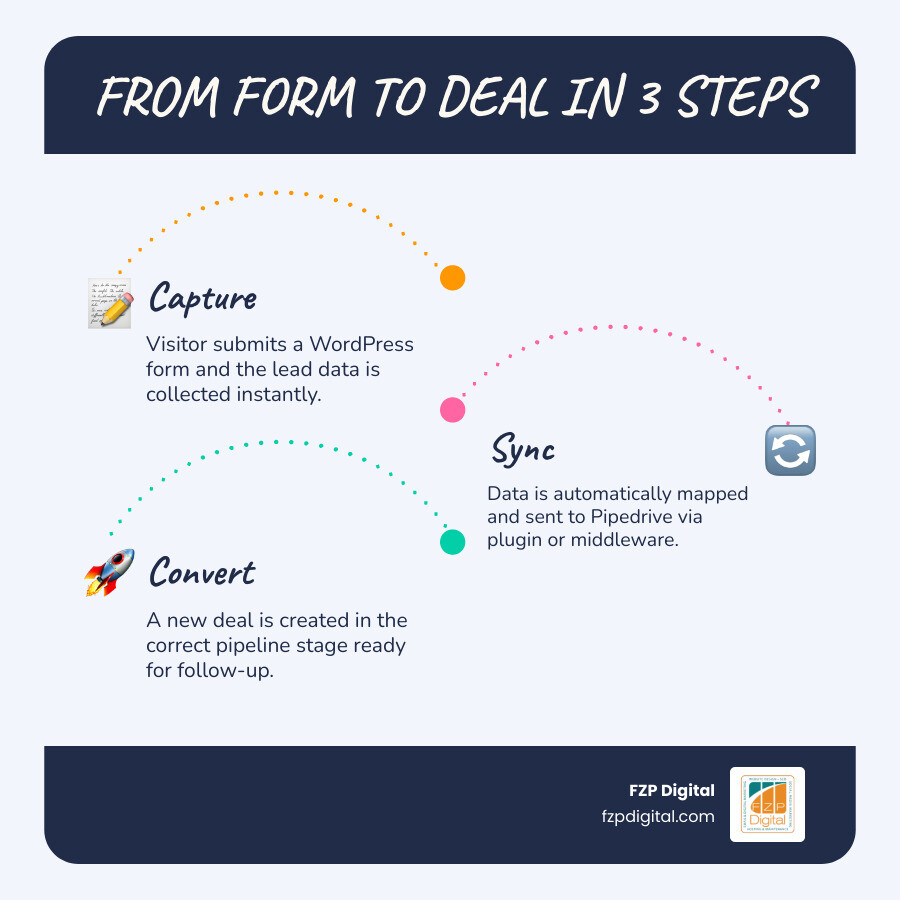
WordPress Pipedrive integration is the process of connecting your WordPress website — typically through its contact forms — directly to your Pipedrive CRM, so that every lead captured on your site flows automatically into your sales pipeline without any manual copy-pasting.
If you’re in a hurry, here’s the quick answer:
How to connect WordPress forms to Pipedrive:
- Use a dedicated plugin like WPForms (with its Pipedrive addon), WP Fusion, or CRM Perks — install, authorize with your Pipedrive API key, map your fields, and you’re live.
- Use a middleware platform like Zapier or Make — connect WordPress as a trigger and Pipedrive as an action, then map your fields in a no-code workflow builder.
- Use a third-party integration platform like Skyvia for more advanced data sync, including scheduled imports and bidirectional updates.
- Use custom API development — recommended only if you have very specific requirements that off-the-shelf tools can’t handle.
Here’s the reality that a lot of small business owners don’t realize until it’s too late: your website might be generating leads that are quietly slipping through the cracks.
If you’re manually copying form submissions into your CRM, you’re losing time — and probably losing leads too. A missed follow-up or a typo in a phone number can cost you a real client. With over 60 million websites powered by WordPress, there’s no shortage of businesses facing exactly this problem.
The good news? Connecting WordPress to Pipedrive is more approachable than you might think — and you don’t need to write a single line of code to get started.
I’m Fred Z. Poritsky, founder of FZP Digital, and my background in nonprofit financial management, web design, and digital marketing has given me a front-row seat to how businesses lose leads — and how the right WordPress Pipedrive integration can stop that from happening. Let me walk you through everything you need to know to get this working for your business.
Key wordpress pipedrive integration vocabulary:
- how to integrate chatbot with crm for lead capture
- how to integrate company data into crm using api
- how to integrate inventory systems with crm
Why You Should Consider a WordPress Pipedrive Integration in 2026
As we move through 2026, the speed of business has never been faster. If a potential client in Philadelphia or Newtown reaches out through your website, they aren’t just looking for information—they’re looking for a response. If that lead sits in your email inbox for three days because you were too busy to manually type it into your CRM, you’ve likely already lost the sale to a faster competitor.

The primary reason to prioritize wordpress pipedrive integration is sales velocity. When a lead is captured, it should instantly appear as a “Deal” or “Lead” in Pipedrive. This allows your sales team to strike while the iron is hot. Furthermore, automation eliminates the “human element” of data entry errors. No more misspelled names or transposed phone digits!
Beyond just speed, a solid integration enriches your data. You can see exactly which page a user was on when they filled out the form, helping you tailor your first conversation. By exploring our Category: CRM Connection, you’ll see that a real-time sync isn’t just a luxury; it’s the backbone of a modern customer experience.
Using Dedicated Plugins for WordPress Pipedrive Integration
For most of our clients at FZP Digital, we recommend starting with dedicated plugins. These are “native” solutions that live right inside your WordPress dashboard.
- WPForms: With over 6 million users, it’s a powerhouse. The WordPress Pipedrive Addon – WPForms allows you to map your form fields to Pipedrive fields with a simple drag-and-drop interface. It’s perfect for those who want a no-code, set-it-and-forget-it solution.
- WP Fusion: This is the “Swiss Army Knife” of integrations. It doesn’t just send form data; it can track user behavior across your site and apply tags in Pipedrive. If a user visits your pricing page three times, WP Fusion can tell Pipedrive to alert a salesperson.
- CRM Perks: This is a fantastic option if you’re using multiple form tools like Contact Form 7 or Elementor. It has a 5-star rating and is known for its robust logging, so you can see exactly when data was sent.
Leveraging Middleware for WordPress Pipedrive Integration
Sometimes, your needs go beyond a simple form-to-CRM connection. This is where middleware platforms like Zapier, Make, and Skyvia come into play.
Zapier is the most famous of the bunch, having helped customers create over 25 million “Zaps.” Using the Pipedrive WordPress Integration – Quick Connect – Zapier, you can create multi-step workflows. For example, when someone fills out a form, Zapier can create a deal in Pipedrive, send you a text message, and add the lead to a Google Sheet simultaneously.
Skyvia offers a slightly different approach, focusing on data synchronization and backup. It’s an excellent choice if you need to pull data out of Pipedrive and display it on your WordPress site, or if you’re dealing with massive amounts of historical data that need to be migrated.
How to Connect Your WordPress Forms to Pipedrive Step-by-Step
Ready to get your hands dirty? Don’t worry, it’s easier than it sounds. Here is the general workflow we use at FZP Digital to get our clients connected.
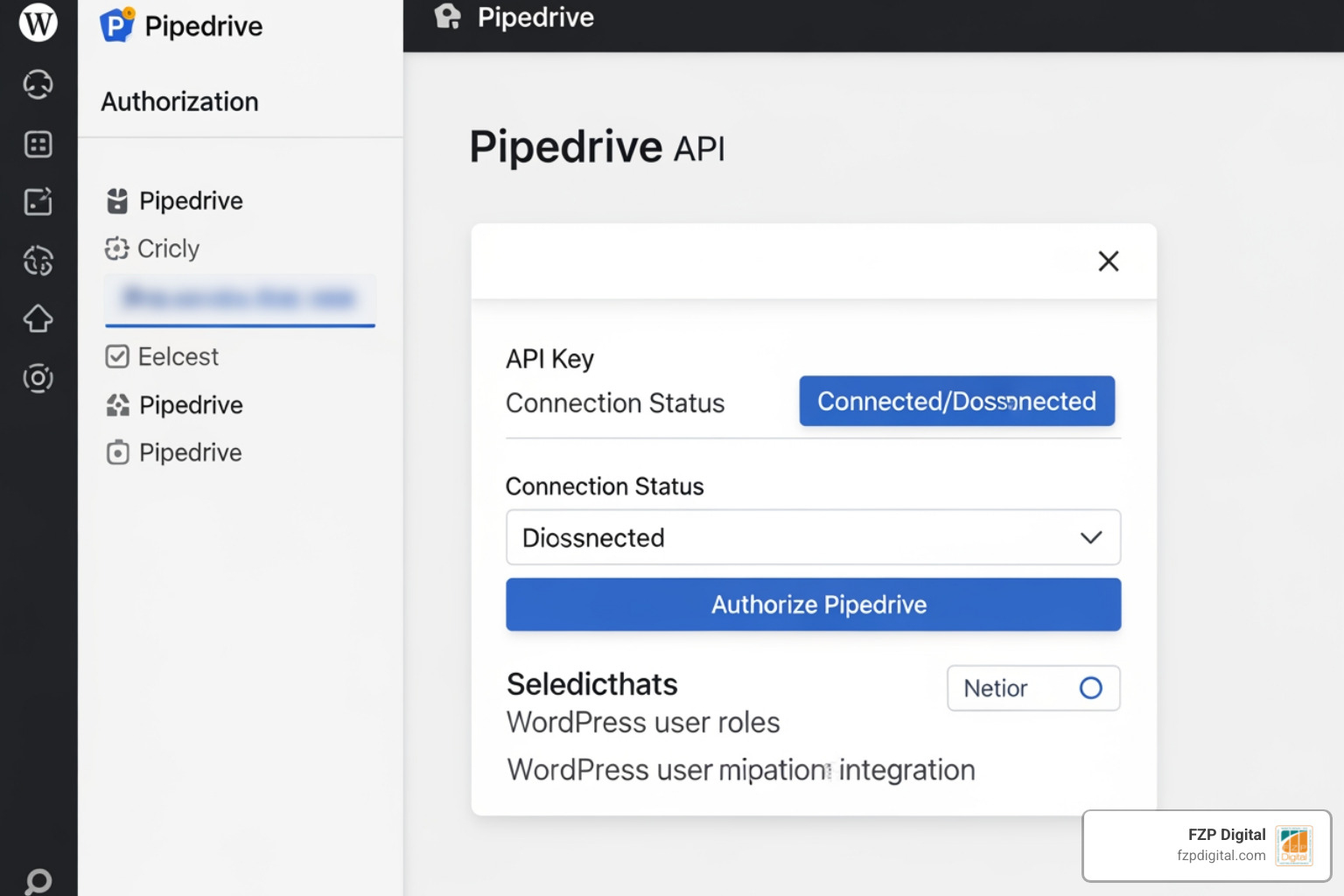
- Generate Your API Key: Think of an API key as a secret handshake between your website and Pipedrive. In Pipedrive, go to Personal Preferences > API to find yours.
- Install Your Chosen Tool: Whether it’s the WPForms addon or a plugin like WP Fusion, get it activated on your site.
- Authorize the Connection: Paste your API key into the plugin settings. This “hooks” the two systems together.
- Field Mapping: This is the most important part. You need to tell WordPress that the “First Name” field on your form should go into the “Name” field in Pipedrive.
- Test, Test, Test: Never assume it’s working. Fill out your own form and make sure a new deal pops up in Pipedrive within seconds.
If you’re feeling adventurous and want to build something totally custom, you might look into How to Hook Your Data Up to Your CRM Using APIs. This is great for unique business models, but for 95% of businesses, the plugins mentioned above are more than enough.
Feature Comparison Table
| Feature | WPForms Addon | WP Fusion | Zapier (Middleware) |
|---|---|---|---|
| Ease of Use | Very High | Medium | High |
| No-Code? | Yes | Yes | Yes |
| Bidirectional Sync | No | Yes | Yes |
| Cost | Part of Pro Plan | $247+ / year | Subscription based |
| Best For | Simple Lead Capture | Marketing Automation | Complex Workflows |
Advanced Automation: WooCommerce and Lead Scoring
If you’re running an e-commerce store in the Philadelphia area, a simple lead sync isn’t enough. You need to know when people are almost buying.
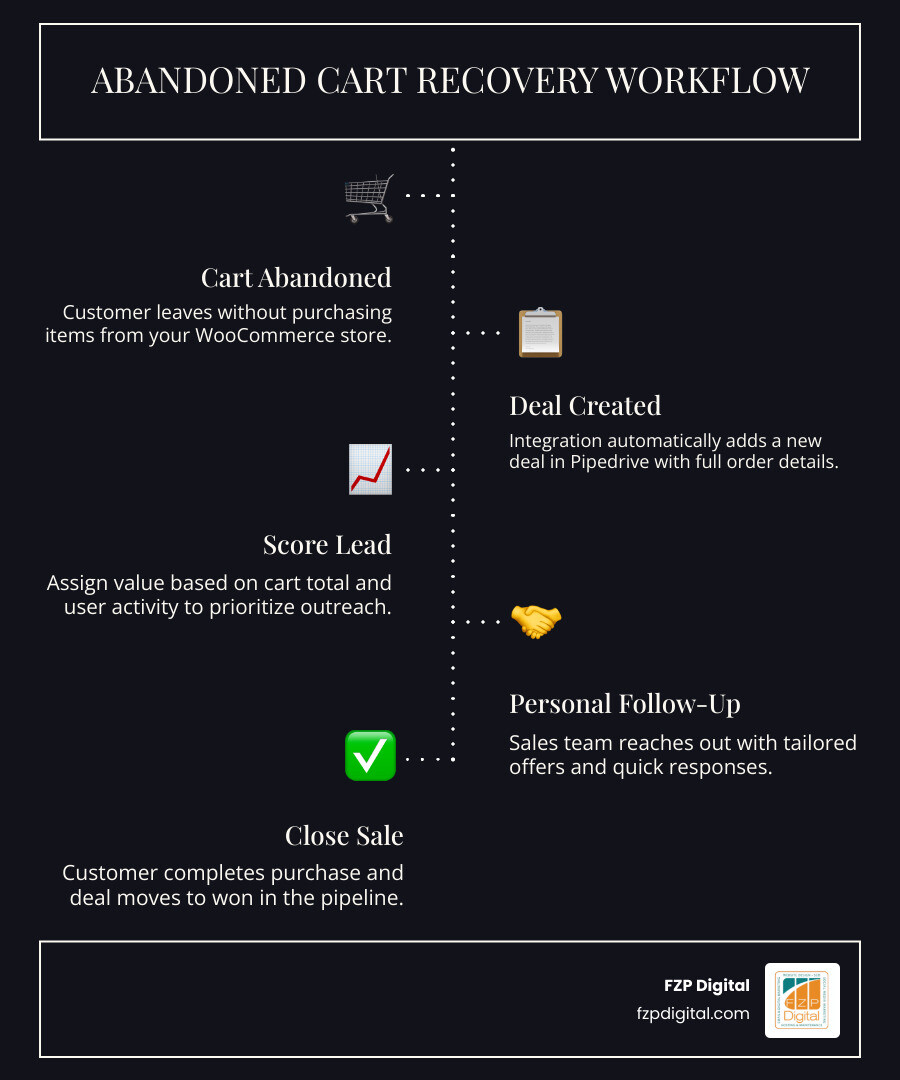
The W2P: Pipedrive CRM Integration for WooCommerce is a game-changer for online shops. It can automatically create a deal in Pipedrive when someone abandons their cart. Imagine your sales team getting a notification that a high-value customer left $500 worth of items in their cart—they can reach out personally to offer a discount or answer questions.
 Deal created in Pipedrive > Automated follow-up”/>
You can also use these integrations for Lead Scoring. By tracking user activity—like which blog posts they read or if they’ve interacted with your chatbot—you can assign a “score” to that lead. Integrating this with your CRM can turn your website into a lead generating machine. High-scoring leads get moved to the “Hot Lead” stage in Pipedrive automatically, while lower scores might just get added to a long-term email nurturing list.
Troubleshooting and Best Practices for a Healthy Sync
Even the best systems can run into hiccups. Here are some “pro tips” from our team at FZP Digital to keep your wordpress pipedrive integration running smoothly:
- Duplicate Prevention: Nothing annoys a sales team more than having five different records for the same person. Tools like WP Fusion and Zapier have “Find or Create” logic. They check if the email address already exists in Pipedrive before creating a new record.
- Error Logging: Always choose a plugin that offers a log. If a sync fails because Pipedrive’s API was down for maintenance, you want to be able to see that and “Resend” the data manually once things are back up.
- GDPR and Security: Ensure your data is encrypted. If you’re collecting sensitive info, make sure your site has a valid SSL certificate and that your integration tool is GDPR compliant.
- Regular Audits: Every few months, check your mapping. If you’ve added a new field to your WordPress form (like “Budget”), make sure you’ve also added a corresponding custom field in Pipedrive and mapped them together.
A CRM is only as good as the data inside it. As you build your email list from scratch, keeping that data clean and organized is the key to long-term success.
Frequently Asked Questions about WordPress Pipedrive Integration
Do I need to know how to code to integrate Pipedrive with WordPress?
Absolutely not! In 2026, the “no-code” movement is in full swing. Plugins like WPForms and WP Fusion, or middleware like Zapier, allow you to connect these systems using simple menus and drag-and-drop interfaces. Unless you have a very complex, proprietary system, you won’t need a developer to write code.
How does the integration handle duplicate contacts?
Most modern integration tools use the email address as a unique identifier. When a form is submitted, the tool searches Pipedrive for that email. If it finds a match, it updates the existing contact. If no match is found, it creates a new one. This keeps your database clean and prevents your sales team from calling the same person twice.
Can I sync my existing WordPress users to Pipedrive?
Yes! Many plugins, especially WP Fusion and W2P for WooCommerce, offer a “Historical Sync” feature. This allows you to push all your existing users and past customers into Pipedrive in one big batch. It’s a great way to start your CRM with a full house of data rather than starting from zero.
Conclusion
At FZP Digital, we believe that your website should be your hardest-working employee. By setting up a wordpress pipedrive integration, you’re ensuring that no lead is ever forgotten and that your sales team is always working with the most accurate, up-to-date information.
Whether you’re a small business in Richboro or a growing firm in Downtown Philadelphia, the collaborative “Develop . Design . Deliver” process we use at FZP Digital is designed to take the technical weight off your shoulders. We know that SEO and CRM integrations can feel like a maze, but with Fred Z. Poritsky and our expert team by your side, it becomes a clear path to growth.
Ready to stop chasing emails and start closing deals? We’d love to help you navigate marketing automation. Contact FZP Digital today for more info about our digital marketing services and let’s get your systems talking to each other!