

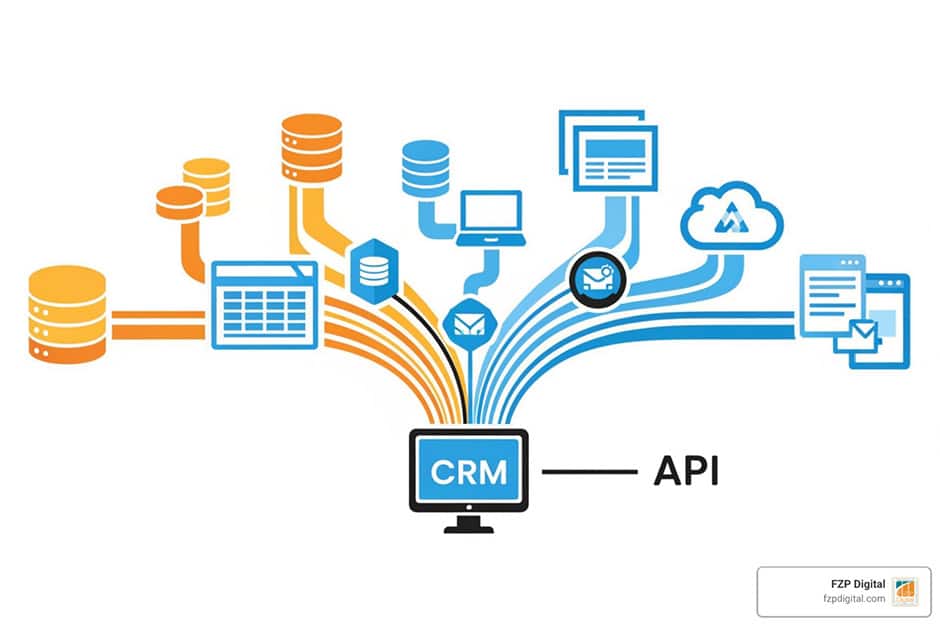
How to hook your data up to your CRM using APIs
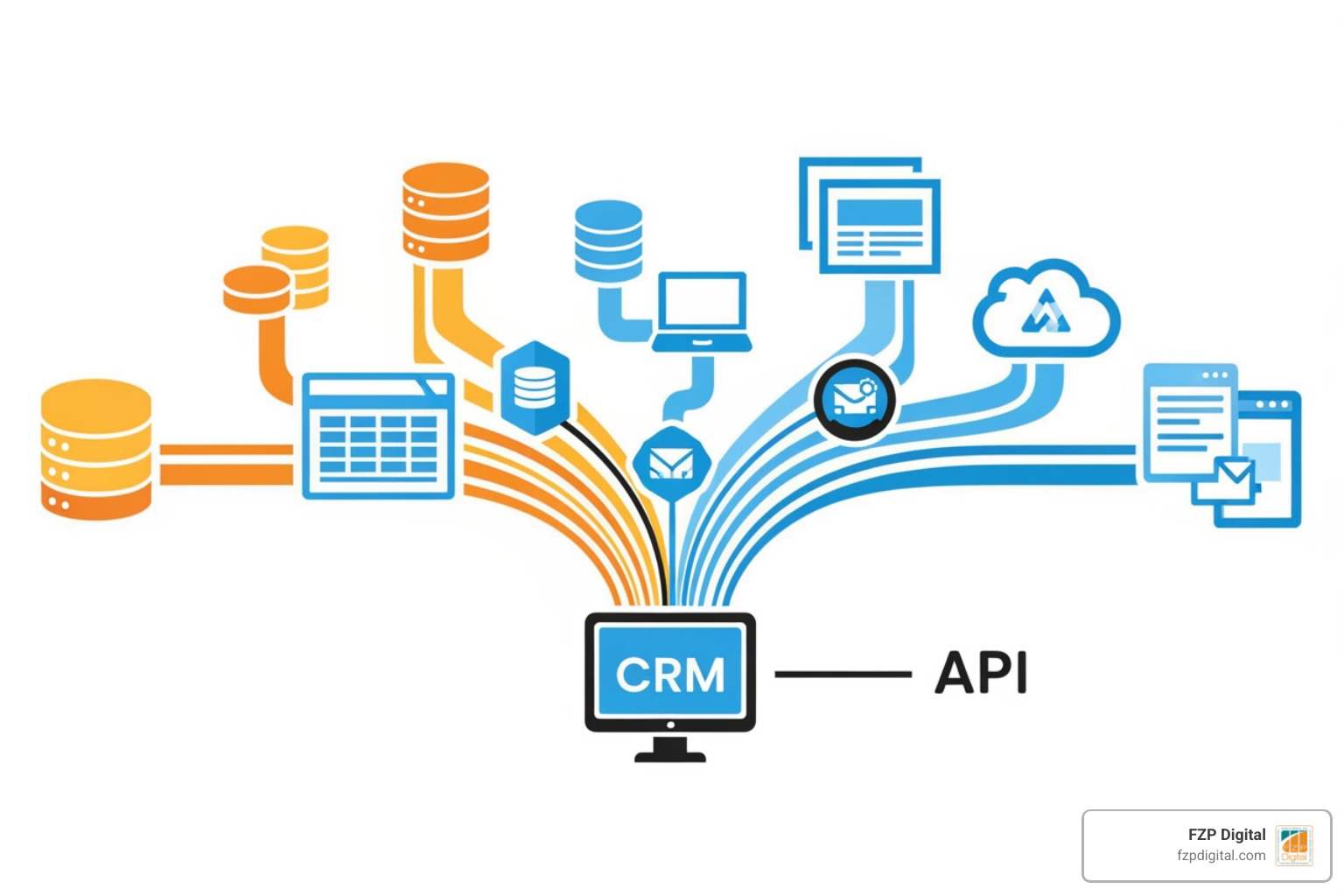
Why Knowing How to Integrate Company Data Into CRM Using API Is a Game-Changer for Your Business
How to integrate company data into CRM using API is one of the most powerful moves you can make for your business — and it’s more approachable than you might think. Here’s the quick version:
To integrate company data into your CRM using an API:
- Define your goals — know what data you need and why
- Choose your CRM — popular options include HubSpot, Salesforce, or Zoho CRM
- Get API credentials — set up authentication (OAuth 2.0 or API keys)
- Map your data fields — match source data fields to CRM fields
- Build or configure the connection — using tools like Zapier, Make, or custom code
- Test in a sandbox environment — before going live
- Monitor and maintain — track errors, rate limits, and sync health
That’s the bird’s-eye view. The rest of this guide walks you through each step in plain English.
Think about how many tools your business uses on a typical day. Your email platform. Your accounting software. Maybe a separate lead capture form on your website. Now ask yourself: are all of those talking to each other?
For most small and medium-sized businesses, the honest answer is no — and that disconnect is quietly costing you time, money, and customers.
When your data lives in separate silos, your team ends up doing manual data entry instead of selling, serving, or growing. And when a lead falls through the cracks because no one updated the spreadsheet in time, that’s real revenue walking out the door.
That’s exactly where CRM API integration comes in. By connecting your company data sources directly to your CRM system through an API, you create a live, always-updated hub for everything your team needs to know about your prospects and customers.
The numbers back this up. Organizations using CRM API integrations have seen close rates jump by nearly 60%, while customer churn dropped by a similar margin. And according to a 2022 Cleo report, 89% of IT leaders say poor integration negatively affects their business performance.
This isn’t just a tech upgrade — it’s a business strategy.
I’m Fred Z. Poritsky, founder of FZP Digital, and my background in nonprofit financial management and digital marketing has given me a front-row seat to how businesses struggle — and succeed — when it comes to connecting their data systems, including understanding how to integrate company data into CRM using API to streamline operations and drive real growth. Let’s walk through everything you need to know to get it right.
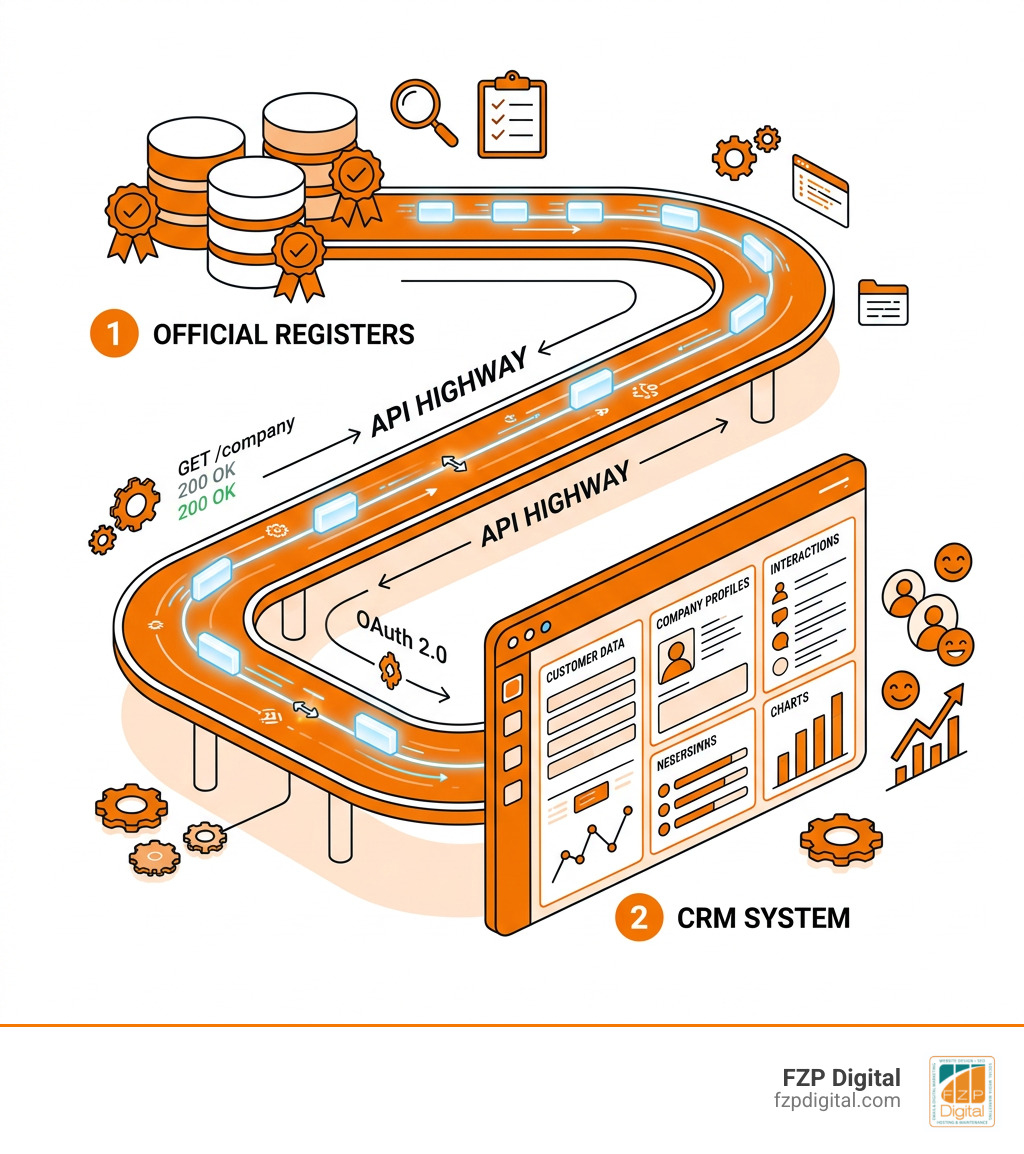
What is a CRM API and why does it matter for your business?
If you’ve ever felt like your software tools are speaking different languages, you’re not alone. An API (Application Programming Interface) is essentially a “universal translator” for your software. According to Cloudflare’s API explanation, an API allows two different applications to talk to each other, sharing data and commands in a way they both understand.
Think of it as a “data highway” connecting your various business tools. When you use an API to connect a platform like HubSpot to your other data sources, you’re building a bridge that allows information to flow automatically. Instead of manual exports or messy CSV files, your CRM becomes a “single source of truth.”
This real-time exchange is what allows your team to stop switching tabs and start focusing on customers. Whether you’re working with a specialized agency for SEO or managing your internal operations in Philadelphia, having an integrated CRM means your data is always fresh, accurate, and ready for action.
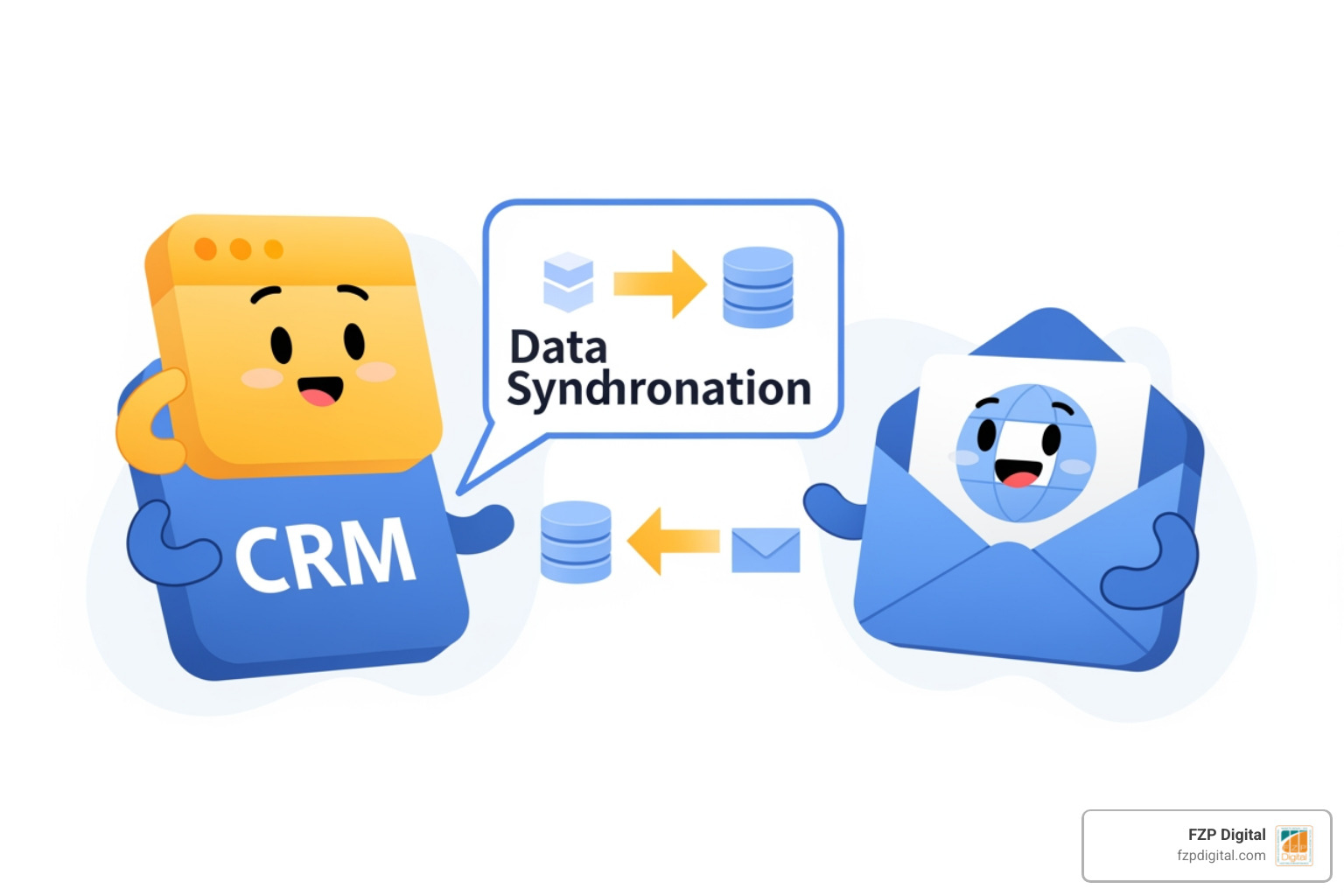
The magic of knowing how to integrate company data into crm using api
When we talk about “company data,” we aren’t just talking about a business name and a phone number. We’re talking about official business data that gives you a 360-degree view of who you’re dealing with.
By learning how to integrate company data into CRM using API, you can pull in verified information directly from official sources like Chambers of Commerce or government registers. This includes:
- VAT numbers and Tax IDs: Crucial for billing and compliance.
- ATECO or SIC codes: Helping you categorize businesses by industry for better marketing.
- Director names and ownership structures: Knowing exactly who the decision-makers are.
- Company Status: Automatically flagging if a business has moved, closed, or changed its legal form.
As noted in this guide on why you should integrate official business data, using APIs to pull this info ensures you aren’t relying on outdated third-party lists. You’re getting the “real deal” straight from the source.
The big wins: Why you’ll love an integrated CRM
The benefits of a well-connected CRM aren’t just technical—they’re financial. When your sales team has real-time customer info at their fingertips, they close deals faster. In fact, research shows a 59% lift in close rates for teams using integrated data.
Beyond just closing the deal, integration helps with:
- Lead Verification: Instantly checking if a new lead is a legitimate business.
- Customer Identification: Knowing exactly which “ABC Corp” you’re talking to by matching unique identifiers.
- ROI Measurement: Tying your marketing spend directly to closed revenue.
A report by Cleo highlighted that nearly 40% of integration projects are derailed by common pitfalls, but those who succeed see a massive return on investment. If you’re looking for search engine optimization services in Philadelphia, SEO brings people to the door, but a connected CRM ensures they actually become customers.
Boosting your strategy: how to integrate company data into crm using api for better leads
Integration isn’t just about cleaning up your database; it’s about supercharging your strategy. By using APIs, you can implement automated lead scoring. If a company from a specific industry (identified by their ATECO code) visits your site, the API can instantly pull their financial health data and route them to your senior-most sales rep.
This creates what we call “closed-loop analysis.” By using tools like Salesforce Sales Cloud, you can see exactly which marketing campaigns led to which high-value company sign-ups. This real-time customer info allows for rapid market expansion, as you can identify patterns in your most successful clients and find more just like them.
Your step-by-step guide on how to integrate company data into crm using api
Ready to get started? Don’t let the technical terms scare you off. Whether you’re a tech-savvy owner or looking for an SEO agency near me to help navigate the digital landscape, the process follows a logical roadmap.
Following a step-by-step guide to CRM API integration, here is how we recommend approaching it:
- Define Your Objectives: What specific problem are you solving? (e.g., “I want to stop manually typing in VAT numbers”).
- Review the Documentation: Every CRM has an API manual. It’s the “instruction book” for developers.
- Choose Your Integration Method: You have three main paths:
Setting up secure authentication and data mapping
Security is paramount when you’re moving sensitive company data. You’ll likely use OAuth 2.0 or API keys to lock the “doors” of your data highway. To keep these keys safe, we recommend using a “secrets manager” like HashiCorp Vault or AWS Secrets Manager. This ensures your credentials aren’t just sitting in a text file somewhere.
Once the connection is secure, you need to handle field mapping. This is where you tell the systems that “Company Name” in your data source equals “Account Name” in your CRM. As explained in the Merge Field Mapping documentation, setting clear transformation rules (like making sure all phone numbers follow the same format) ensures data consistency.
Pro Tip: Always test your integration in a sandbox environment first. This is a “practice” version of your CRM where you can break things without affecting your real customer records!
Overcoming common hurdles and keeping things running smoothly
No integration is perfect on day one. You might run into “rate limits”—which are basically speed limits on how much data you can pull at once. For example, Zoho CRM associates API calls with credits, and Insightly limits the API requests based on your subscription plan.
To handle this, we use something called exponential backoff. If the CRM says “Whoa, too fast!”, the integration waits a few seconds, then tries again, gradually increasing the wait time. For large datasets, the Salesforce Bulk API is a great tool for moving thousands of records efficiently.
| Feature | API Integration | Manual CSV Import |
|---|---|---|
| Data Freshness | Real-time / Hourly | Only when manually updated |
| Accuracy | High (Direct from source) | Low (Human error risk) |
| Scalability | Handles thousands of records | Time-consuming for large sets |
| Effort | Set it and forget it | Recurring manual task |
Working with experienced seo agencies can help you ensure that the data you’re pulling is actually being used to drive traffic and conversions, rather than just sitting in a database.
Monitoring, security, and GDPR compliance
Once your integration is live, you need to keep an eye on it. We like to set up alerts in Slack or PagerDuty so if the connection drops, we know about it instantly.
From a compliance standpoint, your integration must respect GDPR and KYC (Know Your Customer) regulations. This means:
- Data Encryption: Making sure data is scrambled while it travels.
- Deduplication: Using the API to check if a company already exists before creating a new record.
- Audit Logs: Keeping a record of who changed what and when.
- Token Rotation: Regularly changing your API passwords (tokens) to stay secure.
Frequently Asked Questions about CRM API Integrations
What is the difference between a CRM API and a standard integration?
A “standard” or native integration is usually a pre-built plugin (like a HubSpot-to-Outlook connector). It’s easy but limited. A CRM API is the underlying tool that allows you to build custom connections. It gives you the flexibility to sync exactly the data you want, how you want it.
Do I need to be a pro coder to integrate company data?
Not necessarily! While custom builds require coding, platforms like Zapier and Make allow you to connect systems using a visual “drag-and-drop” interface. However, for complex data mapping (like VAT validation), having an expert eye is always a good idea.
How often should I update my API connections?
You should monitor them daily, but a full “health check” is recommended every quarter. APIs evolve, and CRM providers occasionally update their security protocols or data fields.
Conclusion
Knowing how to integrate company data into CRM using API is about more than just technology; it’s about future-proofing your business. As AI continues to change how we analyze data, having a clean, real-time data stream will be the difference between companies that thrive and those that get left behind.
At FZP Digital, we believe in a collaborative “Develop . Design . Deliver” process. Whether you’re in Richboro, Newtown, or Philadelphia, we’re here to help you navigate these complex digital challenges. From premium WordPress design to advanced digital marketing services, our goal is to help you turn your data into a powerful growth engine.
Ready to stop wrestling with spreadsheets and start scaling your business? Let’s talk about how we can hook your data up the right way. Reach out to us at FZP Digital, and let’s build something great together.