
How to Build Fast Loading WordPress Websites
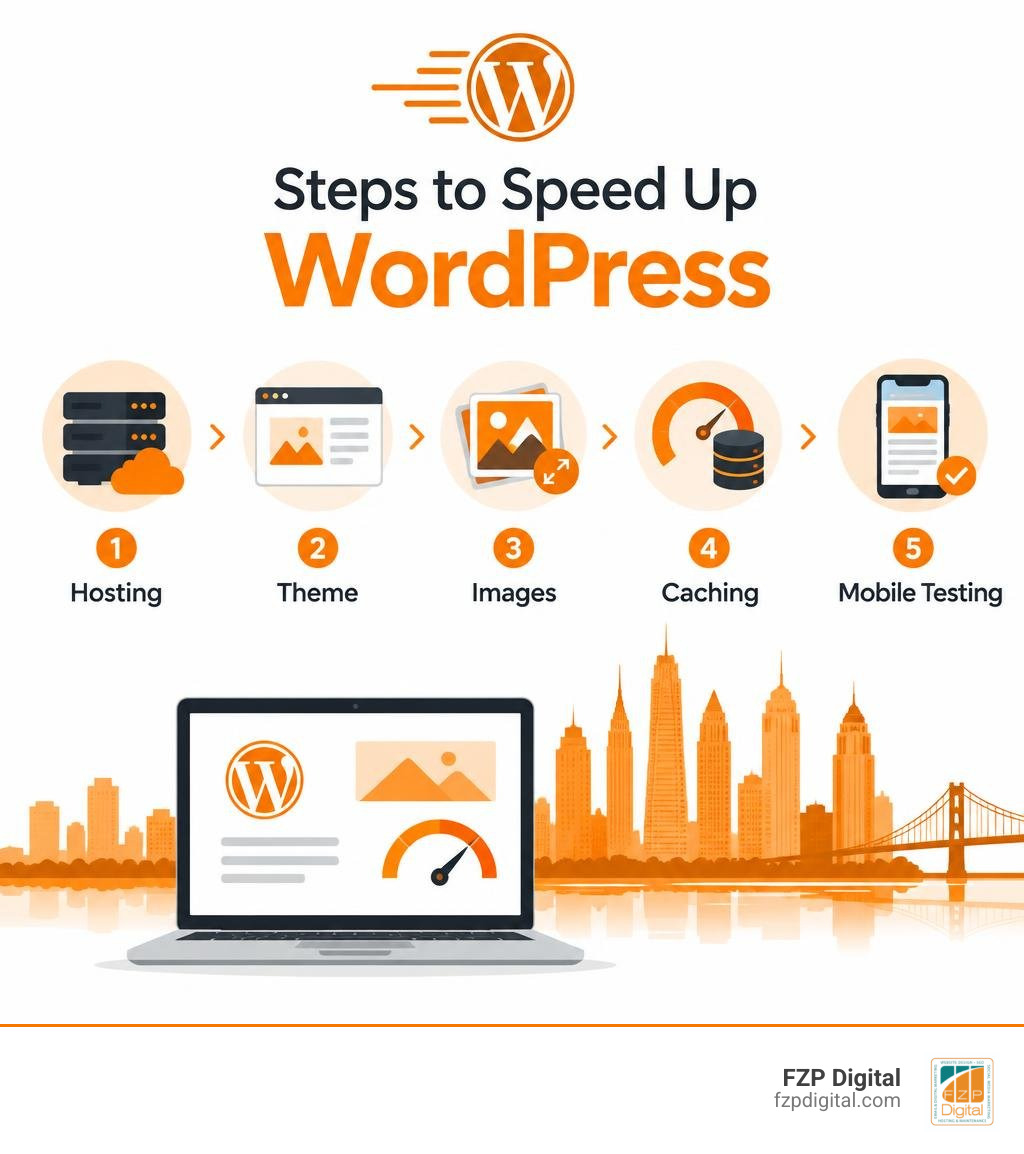
To build fast loading WordPress websites, start with reliable hosting and a lightweight, mobile-friendly theme. Resize and compress your images, enable page caching, and remove scripts you don’t need. Then test your site on a phone to find what’s still slowing it down.
Why does that work matter? Visitors shouldn’t have to wait for your page to become useful. A faster site makes it easier for them to read, explore, and contact you, while giving you a better foundation for search visibility.
I’m Fred Z. Poritsky, founder of FZP Digital, where I bring my background in nonprofit financial management and WordPress web design to each project. I help Philadelphia-area businesses and nonprofits create fast loading WordPress websites that serve their visitors and support their goals.
Basic fast loading WordPress websites terms:
- WordPress website maintenance Richboro
- WordPress development agency Philadelphia
- Philadelphia web design WordPress
The Real Impact of Fast Loading WordPress Websites on SEO and Conversions
Have you ever tapped a search result on your phone, watched the little loading bar stall, and immediately hit the back button? You aren’t alone. Today, fast load times are no longer just a technical luxury—they’re the fundamental heartbeat of your online presence.
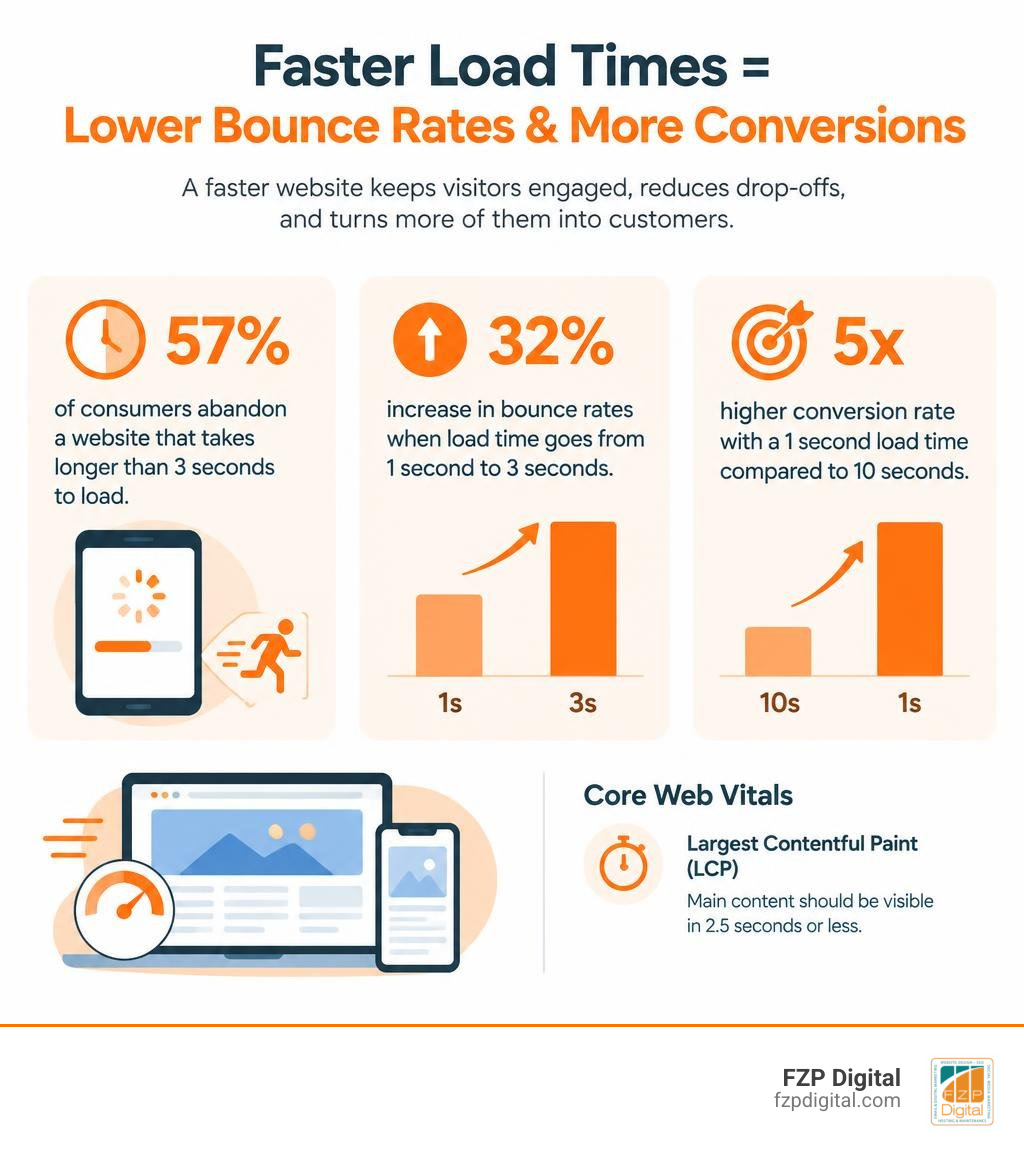
When your website drags its feet, visitors leave in droves. Industry research reveals that a staggering 57% of consumers abandon any website that takes longer than 3 seconds to load. Even jumping from a 1-second load time to 3 seconds triggers a 32% increase in bounce rates. On the flip side, getting your site to load in 1 second yields a conversion rate 5x higher than a site that lingers for 10 seconds.
Search engines notice this user behavior instantly. Google’s search algorithms prioritize seamless browsing experiences, meaning speed directly dictates your organic search visibility. If your pages load sluggishly, search engines crawl fewer pages and push your rankings down in favor of quicker competitors. Learning how to optimize WordPress for Google without losing your mind starts with building rock-solid performance foundations.
How Core Web Vitals Measure Real User Experience
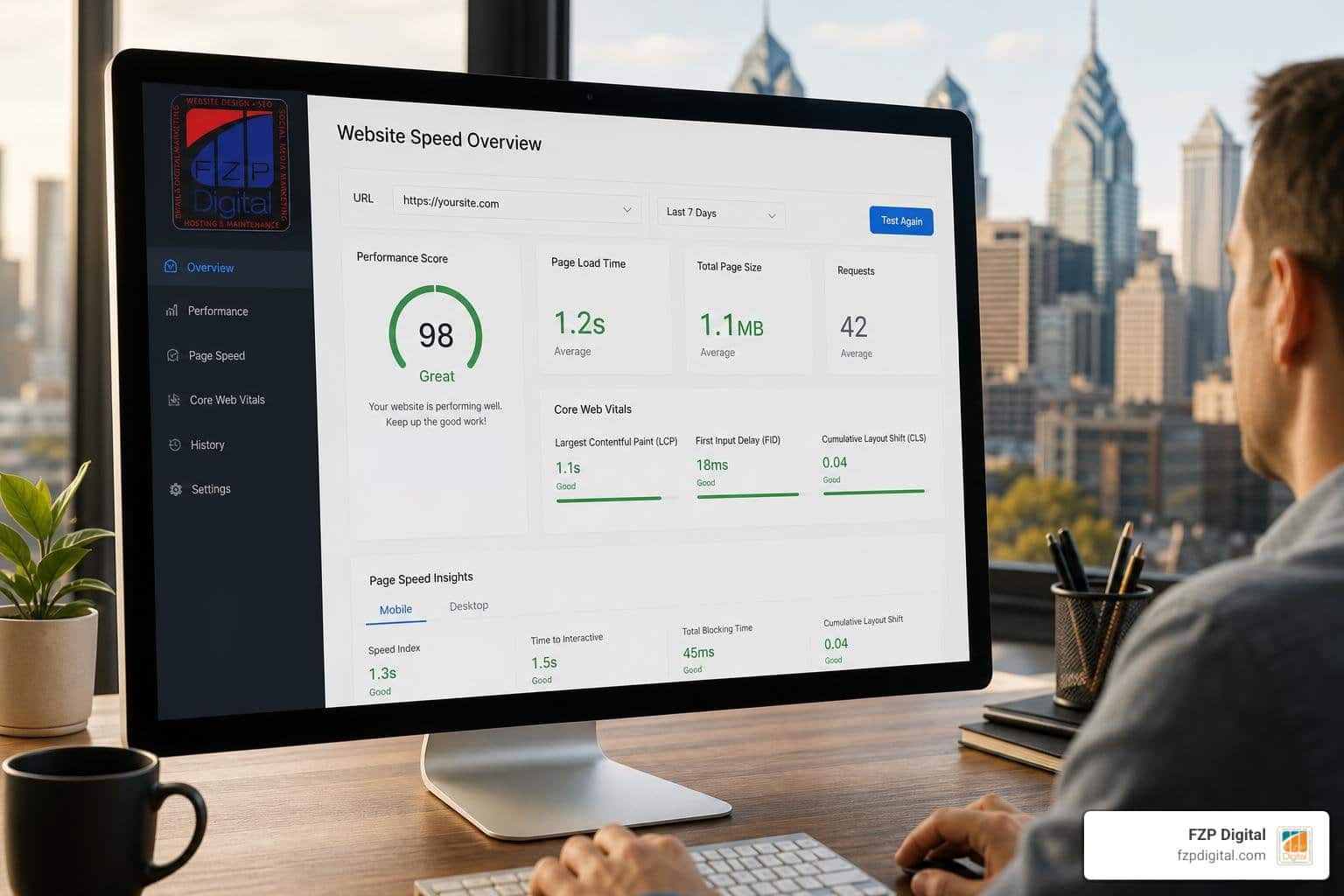
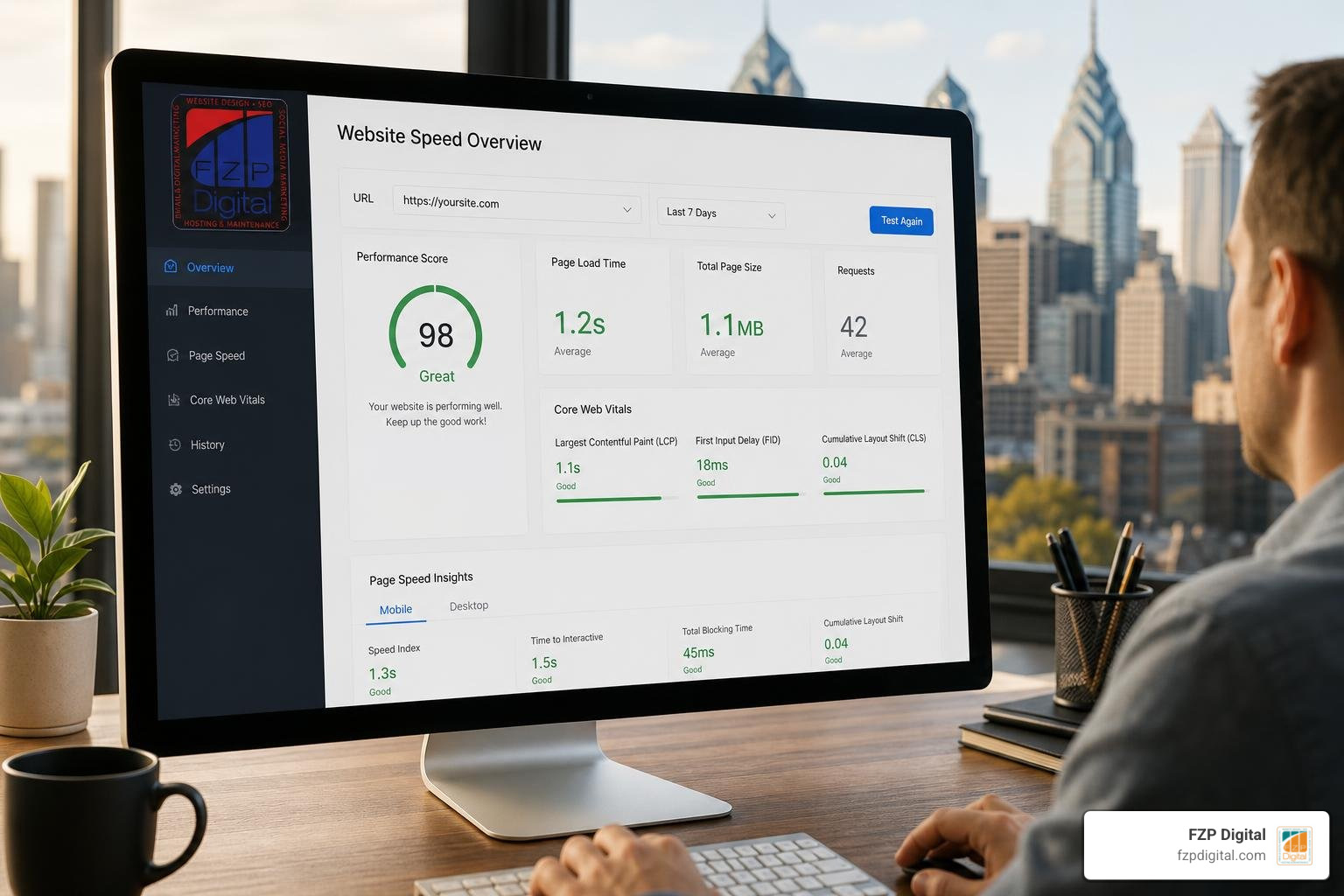
To quantify what a good browsing experience actually feels like, Google relies on a set of standardized benchmarks called Core Web Vitals:
- Largest Contentful Paint (LCP): Measures how quickly the main content (like a hero image or headline) becomes visible. You should aim for 2.5 seconds or less.
- Interaction to Next Paint (INP): Measures page responsiveness when visitors click buttons or tap menus. A good score sits under 200 milliseconds.
- Cumulative Layout Shift (CLS): Tracks visual stability, ensuring buttons and text don’t jump around unexpectedly while images load. You want a score under 0.1.
Passing these metrics shows search engines that real people enjoy navigating your pages smoothly.
Foundations First: Choosing Lightweight Themes and Quality Hosting
Before you install optimization plugins or tweak settings, your site’s underlying infrastructure needs to be strong. Following WordPress website design best practices means eliminating bloated code and choosing modern, lightning-fast hosting from day one.
Selecting Themes Built for Fast Loading WordPress Websites
Your WordPress theme dictates the baseline CSS, JavaScript, and HTML structure delivered on every single click. Heavy, multi-purpose themes load dozens of unnecessary scripts before your actual content even starts rendering.
Choose a lightweight theme with only the features your site needs. A clean theme, limited plugins, and a lean front end reduce unnecessary code and give visitors a faster starting point on desktop and mobile.
When choosing your foundation, check out the best fast loading WordPress themes for beginners to balance design flexibility with raw speed.
Evaluating Managed Hosting and Server Architecture
Your hosting environment determines your Time to First Byte (TTFB)—how fast your server responds when a browser knocks on the door. Running your site on outdated shared hosting forces you to share CPU and memory with hundreds of unrelated websites, causing random slowdowns.
High-performance managed hosting gives your site dedicated server resources, modern PHP versions, and ultra-fast web servers. For example, PHP 8.2 processes code roughly 20% faster than legacy PHP 7.4. Furthermore, high-concurrency WordPress benchmarks from LiteSpeed Technologies prove that modern HTTP/2 and HTTP/3 multiplexing dramatically accelerate asset delivery.
When evaluating options on how to choose the best WordPress agency hosting without breaking the bank, make sure to pick a managed provider built for speed. Top managed hosting providers include GoDaddy, and here at FZP Digital, we actively recommend GoDaddy and WP Engine for reliable, high-performance WordPress management.
Practical Speed Optimization: Media, Code, and Asset Management
Once your hosting and theme are dialed in, your daily media uploads and third-party scripts require proactive management. Knowing how we craft custom responsive WordPress websites with speed and accessibility involves treating every single kilobyte with care.
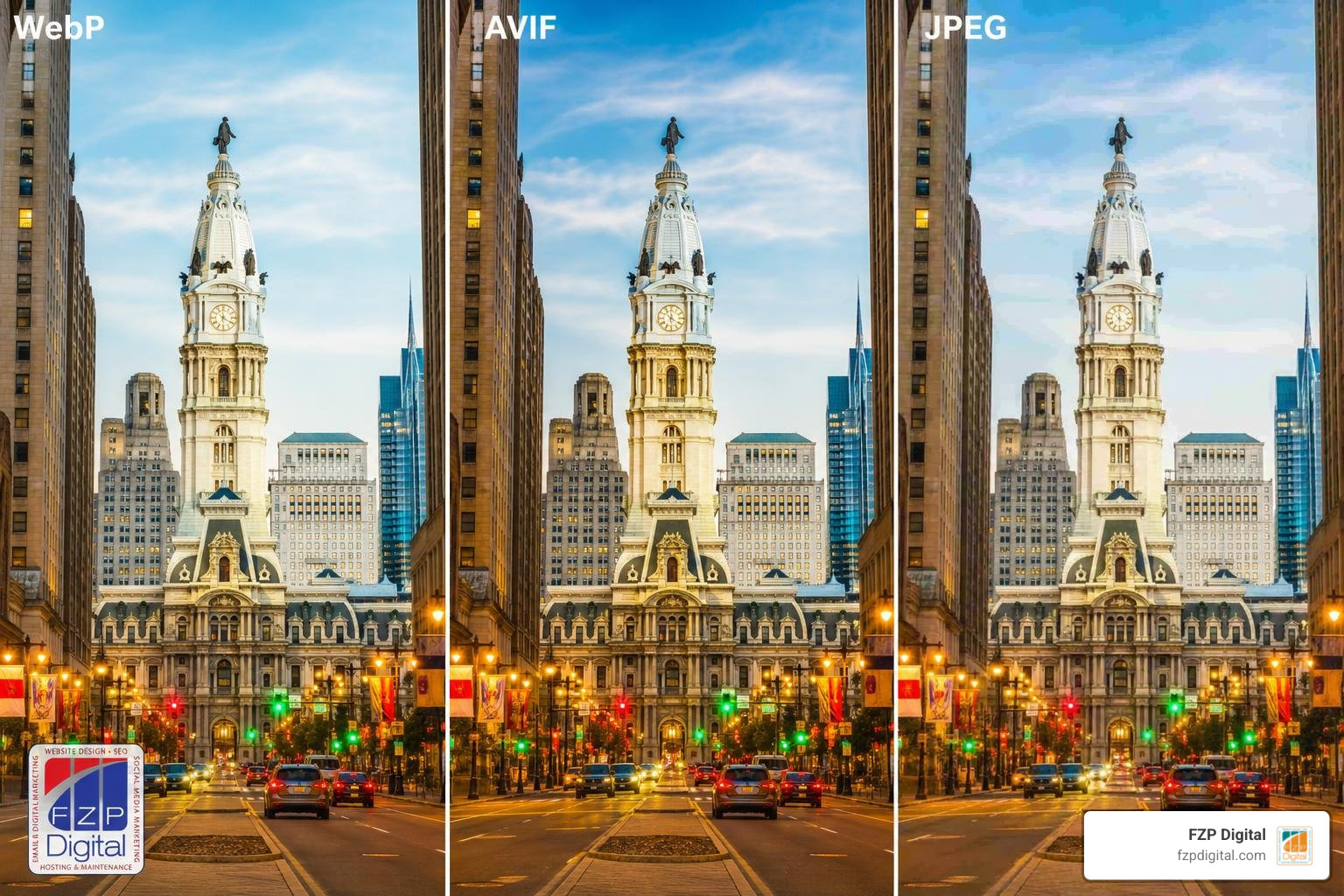
Image and Multimedia Optimization Techniques
Oversized images are the most common performance killer on the web. Uploading an uncompressed 5MB photo straight from your camera will choke mobile connections and destroy your Core Web Vitals.
Here is how you can optimize your media workflow:
- Convert to Next-Gen Formats: Convert standard JPEGs and PNGs to modern WebP or AVIF formats, which reduce file sizes by up to 80% without visible quality loss.
- Serve Responsive Dimensions: Use WordPress’s native
srcsetfeatures so mobile phones receive smaller, scaled-down images rather than desktop-sized assets. - Configure Native Lazy Loading: Ensure below-the-fold media uses
loading="lazy"so visitors only download images as they scroll down the page. - Preload the Hero Asset: Never lazy-load your top banner or featured post image! Preload your primary LCP image so it appears instantly.
- Offload Heavy Video Embeds: Avoid hosting video files directly in your media library. Embed videos through dedicated platforms and use static preview placeholders.
Eliminating Render-Blocking CSS and JavaScript
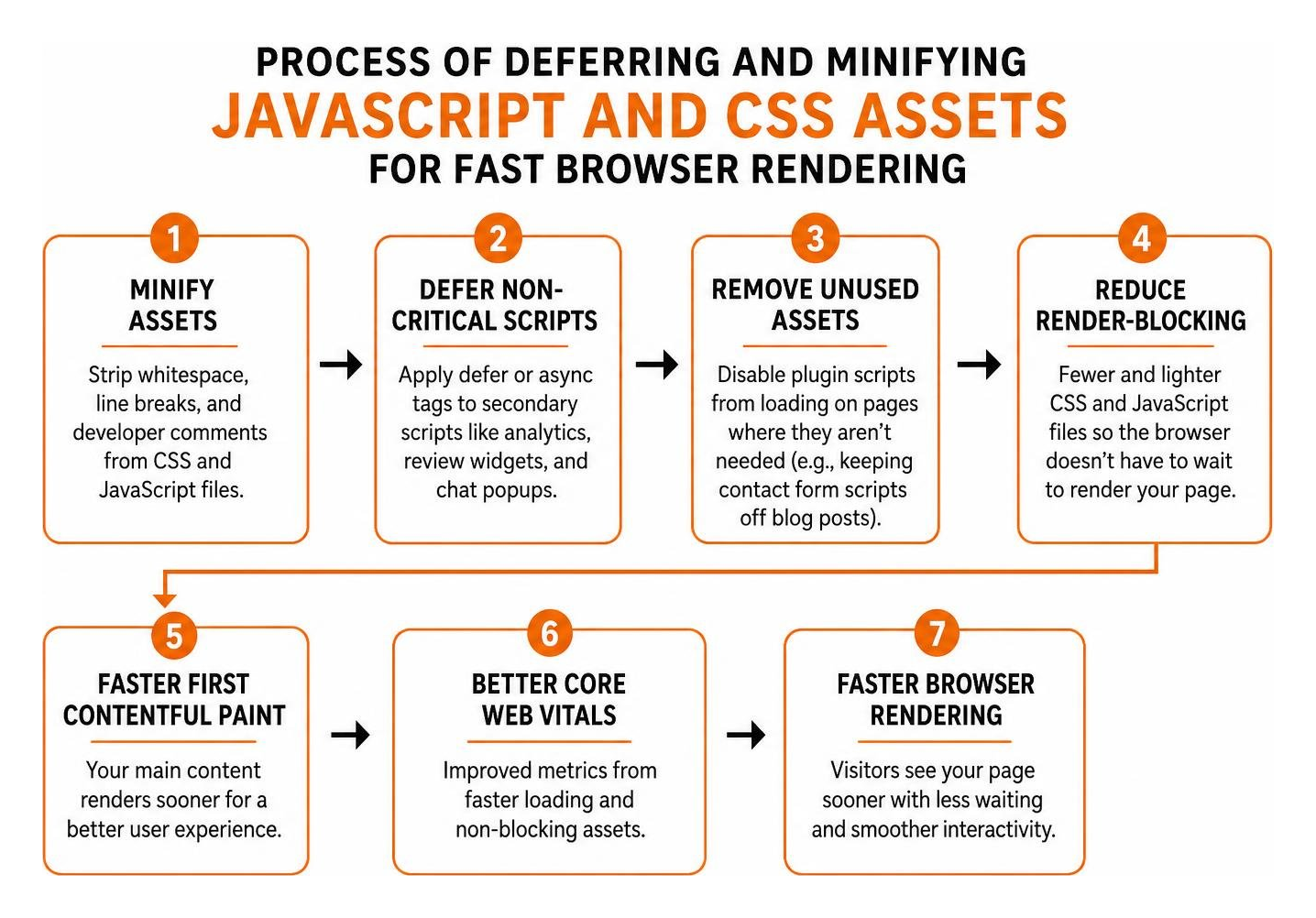
Whenever a visitor arrives at your site, their browser reads your code from top to bottom. If it hits heavy JavaScript or styling files in the header, it stops rendering everything else until those files finish downloading and executing.
You can clear these roadblocks by:
- Minifying Assets: Strip whitespace, line breaks, and developer comments from your CSS and JavaScript files.
- Deferring Non-Critical Scripts: Apply
deferorasynctags to secondary scripts like analytics, review widgets, and chat popups so your main content renders first. - Removing Unused Assets: Disable plugin scripts from loading on pages where they aren’t needed (for example, keeping contact form scripts off your blog posts).
Testing these changes with local WordPress tools lets you fine-tune asset delivery safely in a staging environment.
Advanced Performance Strategies: Caching, CDNs, and Database Maintenance
Advanced performance optimization ensures your server doesn’t re-calculate complex database queries every time a new visitor clicks a link.

Implementing Advanced Caching for Fast Loading WordPress Websites
Caching creates static HTML snapshots of your pages. When someone visits, your server hands them the static snapshot in milliseconds rather than querying your database from scratch.
To take speed further, pair page caching with persistent object caching, such as Redis or Memcached, to reduce repetitive database lookups. This approach can help busy WordPress sites respond more consistently as traffic grows.
If setting up complex cache rules feels overwhelming, Fred Z. Poritsky and the team at FZP Digital provide dedicated website speed optimization services to boost your rankings, handling database cleanups, script deferrals, and custom caching architectures so you can focus entirely on running your business.
Edge Caching and Content Delivery Networks
A Content Delivery Network (CDN) stores static copies of your images, stylesheets, and fonts across dozens of global data centers.
If your main server lives in Philadelphia and a potential customer visits from across the country, a CDN delivers assets from the local edge node closest to them. This drastically cuts down DNS routing latency and keeps load speeds uniform for everyone, everywhere.
Frequently Asked Questions About WordPress Site Speed
What is the fastest WordPress theme in 2026?
There is no single fastest theme for every WordPress site. The strongest choice is a lightweight, well-maintained theme that matches your design needs without loading unnecessary features or relying on a heavy page builder.
How much does page load speed impact bounce rates and sales?
Speed directly dictates your revenue. Research shows that 57% of online visitors abandon websites taking over 3 seconds to load, and a 2-second delay increases bounce rates by 32%. Sites that achieve a 1-second load time convert visitors at 5x the rate of sites that take 10 seconds.
What are the most common causes of slow WordPress performance?
The most frequent culprits include cheap shared hosting, bloated multi-purpose themes, uncompressed images, missing caching mechanisms, cluttered database revisions, and render-blocking third-party tracking scripts.
Conclusion
Building a lightning-fast WordPress site isn’t a one-time chore—it’s an ongoing practice that protects your search visibility, keeps visitors engaged, and boosts your bottom line. By starting with proven managed hosting, choosing clean lightweight themes, optimizing every image, and implementing server-level caching, you create a foundation designed to convert.
When you’re ready to elevate your brand’s digital presence from the ground up, explore our complete guide to custom branding and logo design or reach out to us at FZP Digital to craft a custom, high-speed website built specifically for your goals.