


Divi Ecommerce Website: Ultimate & Easy 2026
Why Building Your Ecommerce Store with Divi Changes Everything
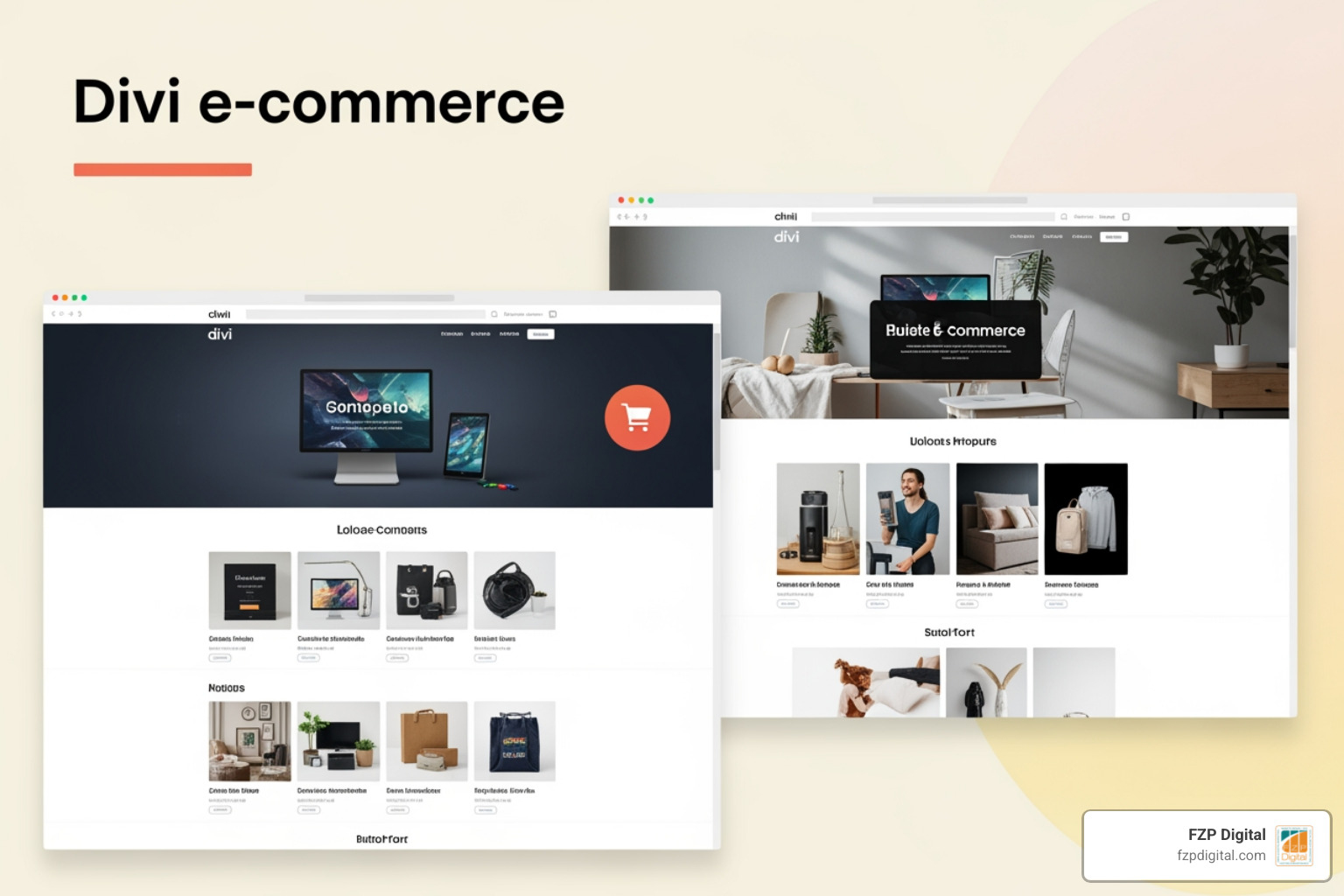
Building an online store can feel like tackling a huge puzzle with no guide. You are not alone. A lot of people assume they need to code, hire a big team, or spend a fortune to launch a polished Divi ecommerce website. Here is the reality: with Divi’s Visual Builder and WooCommerce working together, you can design, customize, and publish a professional store faster than you probably expect.
With the right tools, you can build a stunning store that doesn’t just look pretty but actually helps you sell. The secret? Combining the power of WordPress with the Divi theme and the WooCommerce plugin. It’s a combination that gives you total control without ever needing to touch a single line of code.
Think about the opportunity here. The global e-commerce market is expected to hit a staggering $6.3 trillion this year. That’s a lot of potential customers! But to grab their attention, you need a store that stands out and feels easy to use. That’s exactly where Divi shines. It’s not just a theme; it’s a complete design system that lets you build exactly what you imagine.
I’m Fred Z. Poritsky, and at FZP Digital, I’ve spent years helping business owners in places like Philadelphia, Richboro, and Newtown turn their digital dreams into reality. My background in accounting gives me a unique eye for precision, while my passion for design ensures your store looks world-class. We’ve seen how a well-crafted divi ecommerce website can transform a business.
If you’re just starting your research, here are a few helpful resources to get you moving in the right direction:
- Check out our guide on the best website builder
- Browse some wordpress business website templates
- Learn about wordpress website design
Why Choose Divi for Your Online Store?
You might be wondering, “Why Divi?” Well, it really comes down to three things: flexibility, ease of use, and how perfectly it plays with WooCommerce. With over 800,000 users, Divi has proven itself as a reliable and powerful framework. It’s like having a professional design studio right inside your WordPress dashboard.
When you choose Divi, you’re not just getting a template; you’re getting a platform that grows with you. It allows you to create a brand presence that’s uniquely yours, which is so important in a crowded market. At FZP Digital, we believe your website should be as unique as your business. You can find more info about professional WordPress design on our site to see how we approach this.
The Power of Visual Editing
Imagine being able to design your website just by dragging and dropping elements around the screen. You see your changes instantly – no guessing, no refreshing, and definitely no coding. That’s the magic of Divi’s Visual Builder. Whether you’re a pro or a total beginner, it makes the whole process feel intuitive and, dare I say, fun!
This flexibility means you can iterate quickly. Want to see how a different product image looks? Just swap it out. Need to adjust the spacing on your homepage? Just click and drag. It empowers you to keep your store fresh and engaging without needing to call a developer every time you want to make a small change.
Seamless WooCommerce Integration
The real “secret sauce” for a successful divi ecommerce website is how it integrates with WooCommerce. Since WooCommerce powers over 3.8 million stores, it’s the gold standard for WordPress e-commerce. Divi was built from the ground up to work perfectly with it.
Divi includes dedicated WooCommerce modules that let you place product grids, “add to cart” buttons, and reviews anywhere you want. This deep connection means you can design your shop pages, cart, and checkout to match your brand perfectly. As the folks at Neat Themes say, Divi + WooCommerce Is The Ultimate Ecommerce Solution, and we’ve seen that success time and again with our clients.
Essential Steps to Build a Divi Ecommerce Website
Building a store might feel like a big mountain to climb, but we can break it down into easy steps. Think of it like building a house: first the foundation, then the walls, and finally the beautiful decor.
First, you’ll need a domain name (your web address) and reliable hosting (the space where your site lives). Once those are set, you’ll install WordPress. Most hosts make this a one-click process! Then, you’ll upload and activate the Divi theme from Neat Themes. This is where the fun really starts.
If you’re a visual learner, there’s a great video called How to Make an E-Commerce Website | Divi & WooCommerce that walks you through these basics.
Setting Up WooCommerce Within Your Divi Ecommerce Website
Next, you’ll install the free WooCommerce plugin. A helpful setup wizard will pop up to guide you through the basics like your currency and business address.
A big part of this is setting up how you’ll get paid and how you’ll ship items. You’ll find these options by going to the WooCommerce menu in your dashboard and selecting Settings, then clicking the Payments or Shipping tabs. Whether you’re using PayPal, Stripe, or offering local pickup in Newtown or Richboro, WooCommerce makes it simple. For a deep dive, you can always check out the official documentation on WooCommerce here.
Adding and Managing Products in Your Divi Ecommerce Website
Now for the best part: adding your products! WooCommerce handles this beautifully. You can add:
- Simple Products: These are straightforward items with no options, like a single book.
- Variable Products: These are items with choices, like a t-shirt that comes in different sizes and colors. You’ll set up “Attributes” (like Size) and then create “Variations” for each combination.
Managing your stock, setting prices, and writing descriptions is all done in one easy place. High-quality photos and clear descriptions are your best friends when it comes to making a sale!
Customizing the Shopper Experience with the Divi Theme Builder
This is where your divi ecommerce website really starts to stand out. While standard stores often look a bit “cookie-cutter,” Divi’s Theme Builder lets you customize every single part of the shopping journey. You can create custom templates for your product pages, your cart, and even your checkout.
Think of the Theme Builder as your master control center. It ensures that your header, footer, and product layouts stay consistent across your whole site, which builds trust with your customers.
Here’s a quick look at how Divi improves the standard experience:
| Feature | Standard WooCommerce Layouts | Divi Theme Builder Customization |
|---|---|---|
| Shop Page | Basic grid, very little styling. | Full control with custom filters and banners. |
| Product Page | Fixed layout for images and text. | Design every element exactly where you want it. |
| Cart Page | Simple list and a button. | Add trust badges, upsells, and custom styling. |
| Checkout | Standard form fields. | Streamline the design to reduce abandoned carts. |
| Header/Footer | Limited by your theme. | Create fully custom, responsive designs. |
For some inspiration, take a look at these Ecommerce Divi Website Examples. It’s amazing what people are building!
Designing High-Converting Product and Shop Pages
Your product pages are where the magic happens. Divi gives you specific “Woo Modules” like Woo Price, Woo Images, and Woo Add To Cart. We use these to create layouts that guide your visitors toward a purchase.
Imagine a page where the “Add to Cart” button is perfectly placed, and customer reviews are right there to build confidence. We always focus on creating responsive e-commerce websites that look great on phones and desktops alike. You can find more info about responsive e-commerce websites on our site.
Streamlining the Cart and Checkout Process
Did you know that nearly 70% of people abandon their shopping carts? That’s a lot of lost sales! Often, it’s because the checkout process feels clunky or untrustworthy.
With Divi, we can clean up those pages, remove distractions, and add trust symbols like security seals. The goal is to make the journey from “I want this” to “Order complete” as smooth as possible. By reducing friction, we help you keep more of those customers.
Best Practices for a Successful Online Store
Building your divi ecommerce website is a fantastic start, but to really thrive, we need to think about the long game. That means focusing on user experience, speed, and making sure people can actually find you! You can read more about WordPress website design best practices on our blog.
Here are some “must-haves” for building trust with your shoppers:
- SSL Certificate: That little padlock in the browser that says your site is secure.
- Clear Policies: Make sure your return and privacy policies are easy to find.
- Social Proof: Customer reviews and testimonials are incredibly powerful.
- Contact Info: Let people know you’re a real business they can reach out to.
- Speed: A slow site is the fastest way to lose a customer!
Optimizing for Mobile and Performance
More people than ever are shopping on their phones. If your store doesn’t look great on a mobile screen, you’re missing out on a huge chunk of the market. While Divi is built to be responsive, we take extra steps to optimize images and code so your site loads lightning-fast.
It only takes a fraction of a second for someone to form an opinion about your site. We make sure that first impression is a great one by focusing on performance and smooth navigation.
Enhancing Conversions with Personalization
People love a personalized experience. This could be as simple as showing “related products” based on what they’re looking at or offering a special discount for returning visitors. Divi and WooCommerce have some great tools to help with this. When a customer feels like you understand what they need, they’re much more likely to come back again and again.
Frequently Asked Questions about Divi E-commerce
We get a lot of great questions about how to manage a divi ecommerce website. Here are a few of the most common ones!
Is Divi good for SEO?
It definitely is! Divi is built with clean code, which is exactly what search engines like Google are looking for. Plus, it gives us the flexibility to optimize your page titles, meta descriptions, and even your images.
We also use tools to add “Schema Markup” – which is just a fancy way of helping search engines understand your product details like price and availability. While Divi provides the foundation, a great SEO strategy is an ongoing process, and that’s something we love helping our clients with at FZP Digital.
Can I use a child theme for my store?
Yes, and we highly recommend it! A child theme is like a safe layer on top of your main Divi theme. It allows us to make custom changes to your design or functionality without worrying about them being erased when Divi releases an update. It’s a best practice that keeps your site stable and future-proof.
How do I handle payments and shipping?
WooCommerce makes this part of the business much less stressful. You can easily connect to popular payment gateways like Stripe or PayPal so you can accept credit cards securely.
For shipping, you can set up “zones.” For example, you might offer free shipping to customers in Philadelphia but have a flat rate for the rest of the country. You can even calculate shipping based on the weight of the items. We’ll help you get all these settings just right so your business runs smoothly.
Conclusion
Starting a divi ecommerce website is a big step toward growing your business and reaching new customers. With Divi’s visual builder and the power of WooCommerce, you have everything you need to create a store that’s both beautiful and effective.
Of course, we know that the technical side of things can feel a bit overwhelming when you’re trying to run a business. That’s why we’re here! At FZP Digital, we specialize in creating premium, responsive websites that actually perform. Whether you’re in Richboro, Newtown, or Philadelphia, our “Develop . Design . Deliver” process is designed to take the weight off your shoulders.
Ready to turn your vision into a thriving online store? We’d love to chat about how we can help. Partner with FZP Digital for your web design and development and let’s build something amazing together!