


How to build a nonprofit website on wordpress 2025: Grow
Why 60% of Nonprofits Choose WordPress as Their Digital Foundation

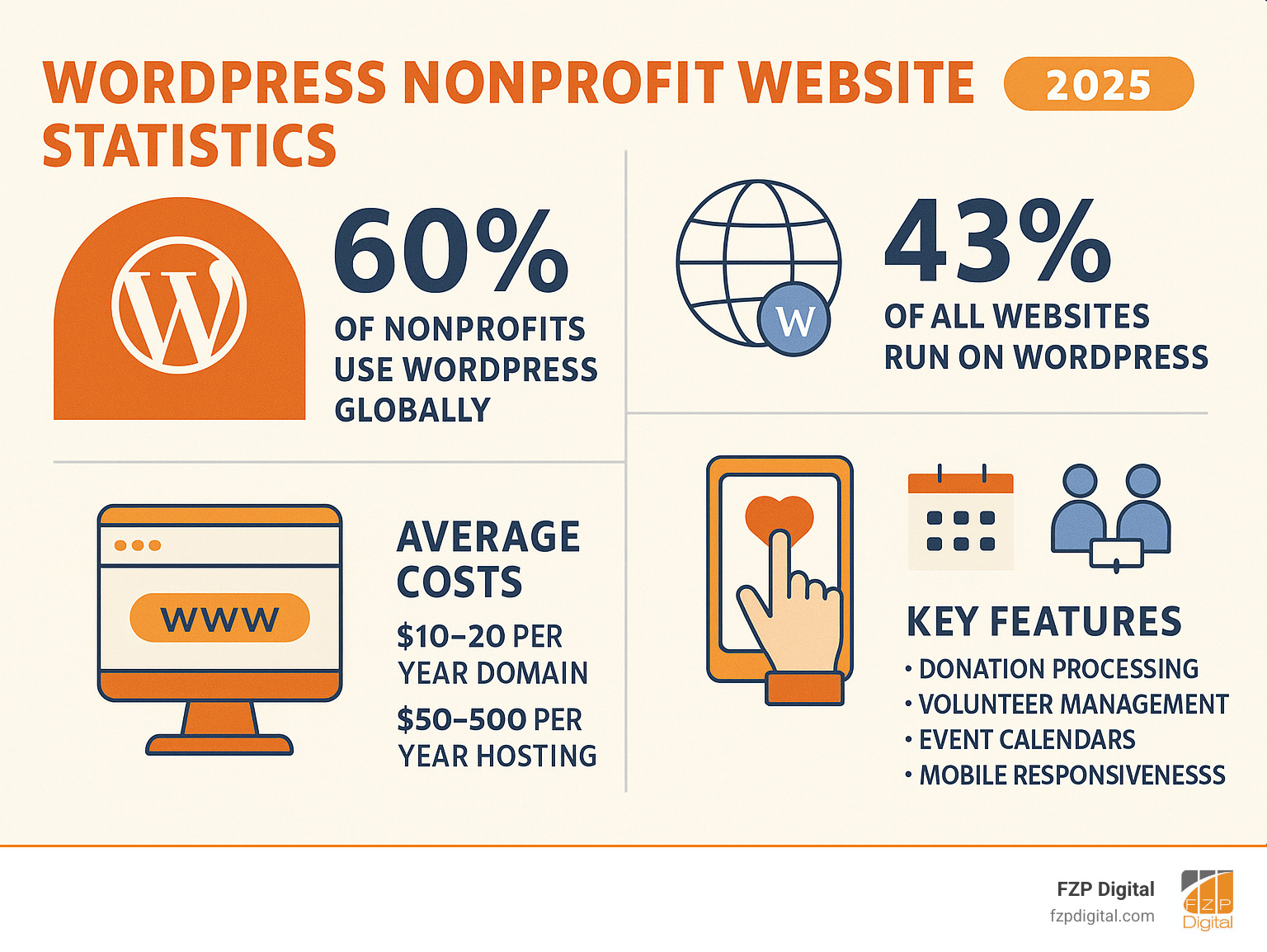
Learning how to build a nonprofit website on wordpress is a crucial step for your organization’s digital presence. Powering 43% of all websites, WordPress is a popular choice because it’s free, flexible, and lets you focus on your mission, not complex code.
Quick Steps to Build Your Nonprofit WordPress Website:
- Choose your platform – WordPress.org for full control or WordPress.com for managed hosting
- Secure domain and hosting – Use .org extension for nonprofit credibility
- Install WordPress – Most hosts offer one-click installation
- Select a nonprofit theme – Choose responsive, accessible designs
- Add essential plugins – Donations (GiveWP), forms, SEO, security
- Create key pages – Home, About, Donate, Get Involved, Contact
- Set up donation system – Integrate secure payment processing
- Launch and promote – Go live and spread the word
As one nonprofit leader noted, “We quickly realized the importance of having the right website for our mission.” Your website is your digital headquarters—where supporters learn, volunteers sign up, and donors contribute.
The numbers are clear: 60% of nonprofits globally use WordPress. It offers everything your organization needs: cost-effectiveness (the software is free), ease of use, and powerful features that grow with your mission.
WordPress levels the playing field, allowing small and large nonprofits alike to create a professional, engaging website without a massive budget.
Why WordPress is the Premier Choice for Nonprofits
When learning how to build a nonprofit website on wordpress, you’re joining over 60% of nonprofits worldwide. WordPress is the go-to choice for organizations that need to maximize their impact online while making every dollar count.
WordPress is open-source software, meaning the core platform is free to download and use. This removes a significant financial barrier for nonprofits building their digital presence.
This open-source model fosters a massive support community. Thousands of developers and users contribute themes, plugins, and solutions. When you choose WordPress, you gain access to a network ready to help you succeed, with resources available at WordPress.org.
Cost-effectiveness is a key benefit. Beyond the free software, thousands of free themes and plugins are available. While you’ll pay for a domain and hosting (often under $100/year), you can build a professional site on a minimal budget.
Scalability is crucial for growing nonprofits. Your site can start simple and expand as your organization grows. Add online donations, volunteer management, or event registration with plugins as your needs evolve.
The platform grows with you, from a basic informational site to a comprehensive digital headquarters handling everything from fundraising to community engagement.
WordPress is known for its ease of use. You don’t need coding skills to manage content. Adding pages, updating information, and sharing stories is intuitive, with a gentle learning curve for staff.
WordPress.org vs. WordPress.com
Before you start, it’s important to understand the two flavors of WordPress: WordPress.org and WordPress.com. They share a foundation but offer different experiences.
| Feature | WordPress.org (Self-Hosted) | WordPress.com (Managed Hosting) |
|---|---|---|
| Flexibility | Full control, unlimited customization, install any plugin/theme | Limited customization on free/lower plans; more with higher plans |
| Cost | Free software, but you pay for domain & hosting (often affordable) | Free plan with limitations; paid plans for more features and control |
| Maintenance | You are responsible for updates, security, and backups | WordPress.com handles hosting, security, and updates for you |
| Monetization | Full freedom for donations, e-commerce, advertising | Limitations on lower plans; full options on business/e-commerce plans |
WordPress.org gives you complete self-hosted control and full customization. You can install any theme that matches your nonprofit’s personality and any plugin that serves your mission. This plugin and theme freedom is crucial when you want specific donation forms or volunteer management systems.
WordPress.com offers managed hosting convenience, handling technical tasks like security and updates. However, this convenience comes with plan limitations that can frustrate growing nonprofits unless you upgrade to expensive business plans.
For most nonprofits, WordPress.org is the recommended choice. Its flexibility to grow and adapt is invaluable. While it requires more hands-on management, the long-term benefits of full control outweigh the initial learning curve, and many hosts simplify the setup.
Phase 1: Planning Your Nonprofit’s Digital Hub
The secret to how to build a nonprofit website on wordpress successfully is great planning. This phase is the foundation for your digital hub; skipping it leads to a wobbly structure.
Your journey starts with goal setting. Define clear, measurable objectives, such as increasing online donations by 25% or recruiting 100 new volunteers. These specific goals will guide every decision.
Next, conduct audience research. Understand who you’re trying to reach by creating user personas that represent your key audience segments, like potential donors or volunteers, to understand their motivations.
By understanding what drives visitors—like a busy mom needing flexible volunteer hours or a retiree looking for community engagement—you can create content that speaks to them. Your mission statement must be clear and prominent, building the trust that turns visitors into supporters.
Establish Key Performance Indicators (KPIs) to measure success. Track metrics like time on page or donation conversion rates. This data provides a roadmap for continuous improvement.
Finally, perform site structure planning. Map out all necessary pages and their connections. Visualizing your site’s architecture with tools like Miro is a key part of our Web Design Development process that ensures your site effectively serves your mission.
Choosing Your Domain Name and Hosting
Once your planning is solid, it’s time to claim your digital real estate. Your domain name and hosting provider are the technical foundation that makes everything else possible.
Your domain name is your organization’s address on the internet. For nonprofits, the .org extension is a credibility badge, immediately signaling you’re a legitimate nonprofit organization.
Keep your domain name memorable and relevant. A short, clear name like “HelpingHandsPhilly.org” is far more effective than a long, complicated one. Simplicity is key.
Hosting provider selection is where your website lives. For most new nonprofits, shared hosting is an affordable, reliable foundation. As you grow, you might consider managed hosting for more support.
Many providers offer nonprofit hosting discounts. For example, DreamHost offers a nonprofit discount that can reduce costs. Always ask about special rates when choosing a provider.
Look for hosts that offer one-click WordPress installation. This feature saves significant time and technical headaches, simplifying the initial setup process.
How to Build a Nonprofit Website on WordPress: The Core Steps
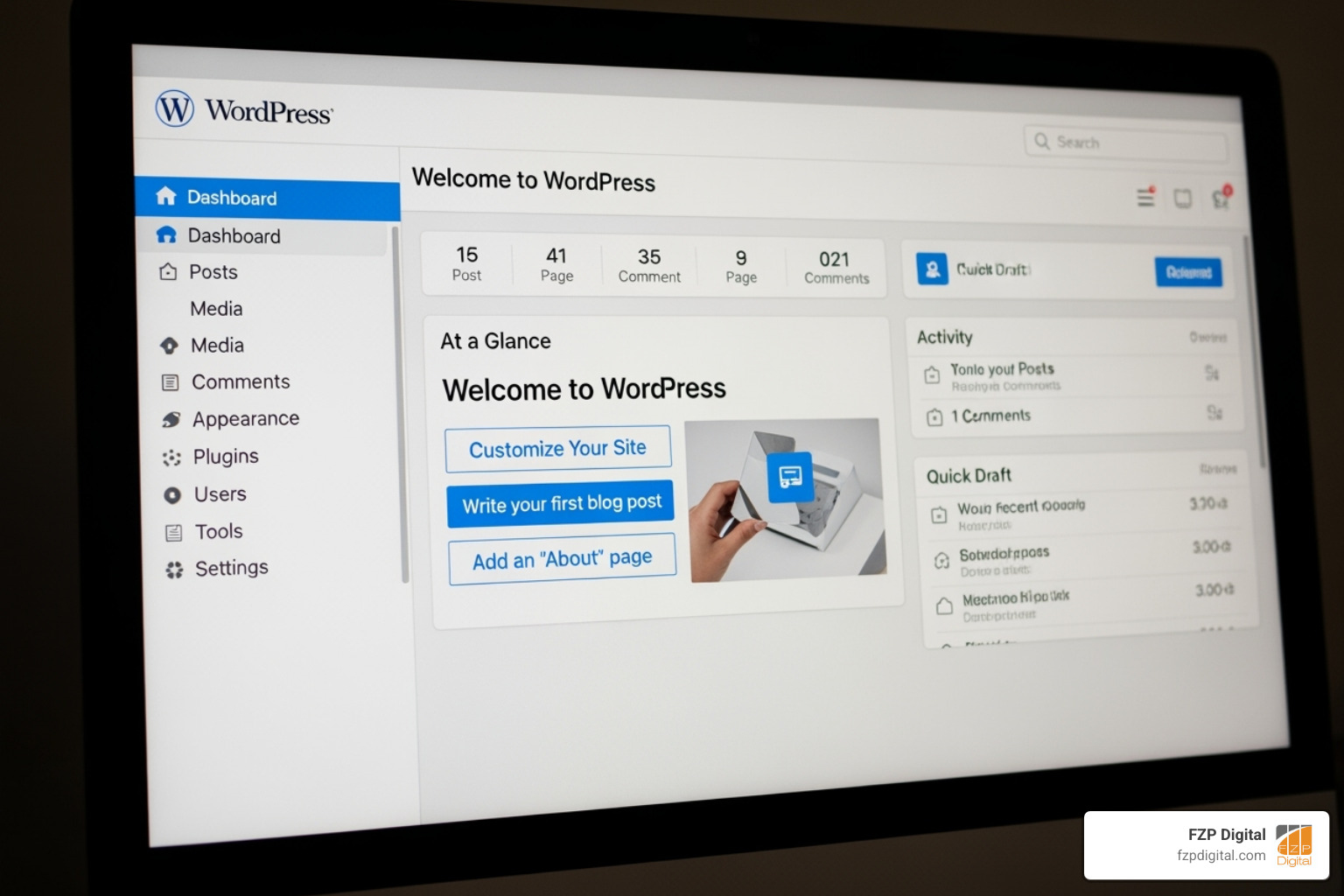
With your domain and hosting ready, it’s time to install WordPress. Most hosts offer a one-click installation, getting your site online in minutes.
Now you can shape your digital presence. This part of learning how to build a nonprofit website on wordpress involves theme selection, adding plugins, creating pages, organizing navigation, and integrating your content. This phase is like furnishing your digital home to be welcoming, professional, and aligned with your mission.
Design and Functionality: The Creative Side of How to Build a Nonprofit Website on WordPress
Your website’s design creates the first impression. You have seconds to capture attention and convey credibility, making smart theme selection essential.
A WordPress theme is your site’s blueprint, defining its look and function. For nonprofits, prioritizing responsive design is critical so your site looks great on any device, from desktops to smartphones.
Mobile-friendliness is essential, as over half of web traffic is mobile. Google penalizes sites that aren’t mobile-friendly, and key elements like donation buttons must be easily accessible on all devices.
Look for themes with solid customization options that don’t require coding expertise. You should be able to easily incorporate your nonprofit’s colors, fonts, and logo. The Kadence Theme offers an excellent starting point with professional, charity-focused templates.
Essential plugins add superpowers to your site. A robust donation system like GiveWP is a must. For events, The Events Calendar handles listings and ticket sales. Also consider Yoast SEO to help supporters find you, Solid Security to protect your site, and WPForms for contact and volunteer forms. These plugins create a comprehensive digital headquarters for your mission.
Content and Structure: The Informational Side of How to Build a Nonprofit Website on WordPress
Your content is where your mission comes alive. Every element should tell your story and inspire action. This is crucial for how to build a nonprofit website on wordpress that connects with supporters.
Your homepage is your digital front door. It must quickly answer: Who are you? What do you do? How can I help? It’s your website’s elevator pitch, with compelling visuals and a clear donate button.
The About Us page builds trust. Share your story, introduce your team, and be transparent about your mission. People support organizations they believe in.
Your Donate page turns inspiration into action. Ensure a smooth process with multiple payment options and a clear explanation of impact. A clunky process can lose donors.
The Get Involved/Volunteer section offers ways to help beyond donating. Provide clear pathways for volunteering or advocacy with simple sign-up processes.
Your Contact Us page should offer multiple ways to reach you, including phone, email, and a contact form. Accessibility builds trust.
Your impact stories are a powerful tool. Share success stories, testimonials, and updates to show real-world change and make your mission tangible.
Navigation best practices mean making your site easy to browse. Use a simple main menu and display clear calls-to-action. The donate button should be visible on every page to make giving effortless.
Your website should welcome everyone. Understanding web accessibility ensures your message reaches all potential supporters, regardless of their abilities or the technology they use.
Phase 3: Fundraising, Maintenance, and Growth
Launching your site is a major step, but the work continues. To maximize impact, you must focus on online fundraising, website security, performance, and strategic growth.
Integrating Powerful Fundraising Capabilities
Your website should be your most dedicated fundraiser, available 24/7. The key is a giving process so smooth that it’s effortless for donors.
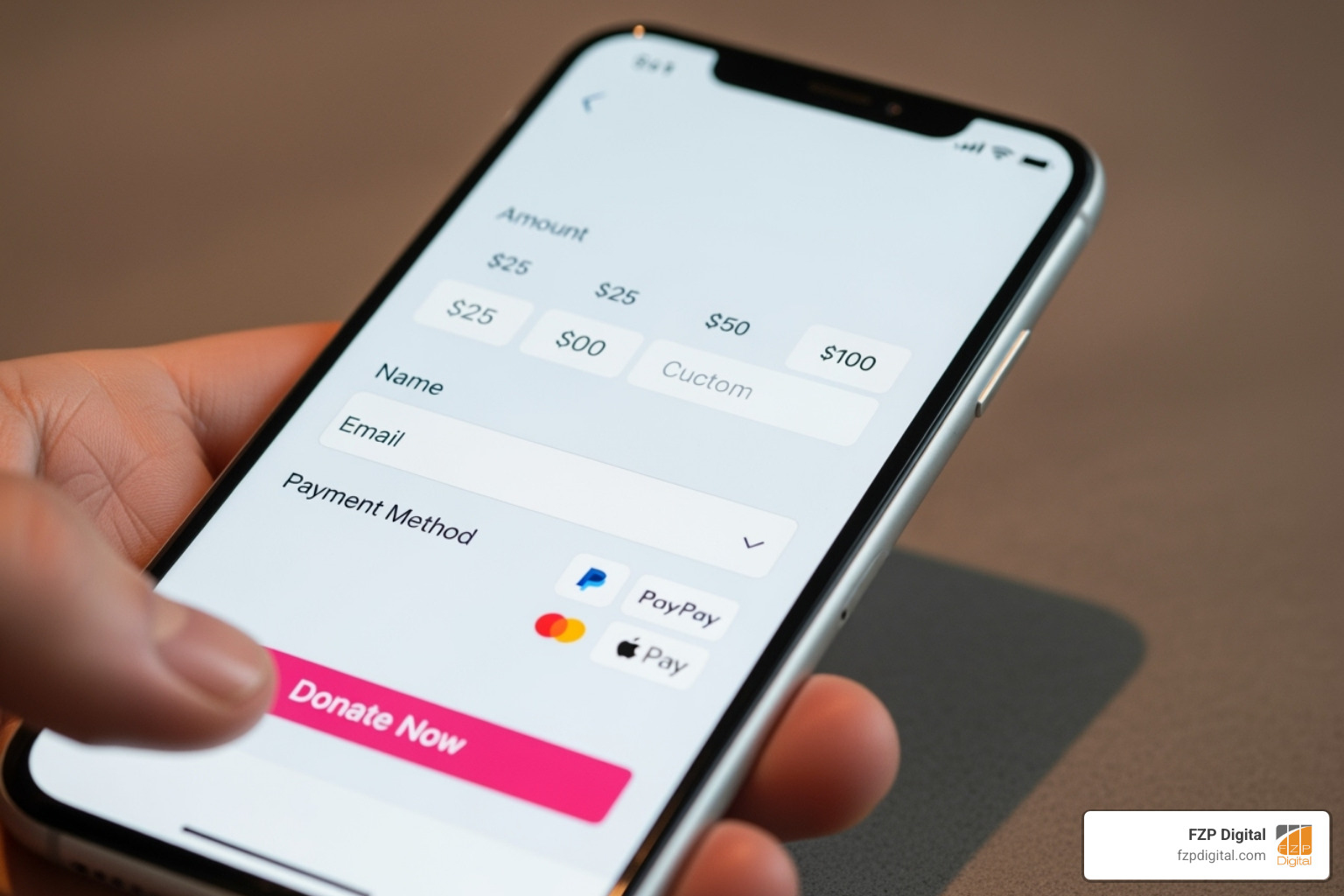
Use streamlined donation forms that ask only for essential information. Embed forms directly on your site to keep supporters engaged and avoid sending them to third-party pages.
The GiveWP plugin is an excellent tool for nonprofits learning how to build a nonprofit website on wordpress. It offers customizable forms, recurring donations, and donor management features to help build relationships.
Multiple payment options are crucial. Offering PayPal, Apple Pay, and other digital methods ensures you don’t lose a donation. Your secure payment processors must be PCI compliant, encrypt data, and provide fraud protection to build trust.
The donation experience continues after submission. Use warm, personal thank-you pages to reinforce their impact. Send automated receipts promptly to express gratitude and for tax purposes.
Ongoing Maintenance and Security
Your digital headquarters requires consistent care to stay secure, just like a physical office. Fortunately, much of this maintenance can be automated.
WordPress core updates are foundational to your site’s security and performance, often including critical patches and new features.
Theme and plugin updates are equally important. Outdated software creates vulnerabilities that hackers can exploit. Regularly update all software to remain secure and compatible.
Website backups are your digital insurance policy. Tools like Solid Backups can automatically create and store copies of your site off-site. This allows for quick restoration if anything goes wrong.
Security scanning actively monitors for malware and vulnerabilities. Combined with proper user role management (ensuring only authorized staff have access to sensitive areas), these measures create a robust security framework.
Amplifying Your Reach with SEO and Analytics
A great website only helps if people can find it. Search Engine Optimization and analytics are key to growing your digital presence.
Keyword research helps you understand what potential supporters search for, like “food bank near me.” Tools like Google Keyword Planner reveal the terms people use.
On-page SEO involves weaving these keywords naturally into your content, titles, and headings. The goal is to speak your supporters’ language. A clear internal linking structure also helps users and search engines steer your site.
Google Analytics is your site’s report card. This free tool helps you with tracking website traffic, understanding user behavior, and seeing which pages resonate most. This data guides improvements and helps you measure your impact.
Don’t overlook Google Ad Grants for Nonprofits, which offers up to $10,000 per month in free advertising. For eligible nonprofits, this is a massive opportunity to increase visibility and drive traffic without using your fundraising budget.
Frequently Asked Questions about Nonprofit WordPress Websites
Building a nonprofit website can feel overwhelming. We’ve helped many nonprofits learn how to build a nonprofit website on wordpress, and these are the most common questions we hear.
How can I ensure my nonprofit website is accessible to all users?
Website accessibility is essential for reaching every potential supporter. If users with disabilities can’t steer your site, you’re missing opportunities to grow your impact.
Following the Web Content Accessibility Guidelines (WCAG) provides a clear roadmap. Key elements include adding alt text for images, ensuring smooth keyboard navigation, and maintaining strong color contrast.
These changes make your site easier for everyone to use. Plus, search engines favor accessible websites, improving your online visibility. Learn How Website Accessibility Can Help Grow Your Brand to see more benefits.
What are the most important content elements for a nonprofit website?
Your content transforms visitors into supporters. The most effective nonprofit websites include key elements that build trust and inspire action.
Start with mission clarity. Visitors should immediately understand what you do and why it matters. Make your mission statement prominent on your homepage.
Impact storytelling creates an emotional connection. Tell personal stories, supported by high-quality images and videos, to show your work’s effect. Always get permission before featuring individuals.
Build trust with transparency. Include staff and board profiles and provide easy access to financial reports. Supporters want to know their donations are used wisely.
Finally, use clear calls-to-action throughout your site. Make it obvious what you want visitors to do next, whether it’s “Donate Now” or “Volunteer Today.”
How much does it really cost to build a nonprofit WordPress site?
A major benefit of WordPress is that the software is completely free. There are no licensing fees or monthly software costs.
Your primary costs are simple. A domain name (yourcharity.org) costs about $10-$20 per year. The .org extension is ideal for signaling nonprofit credibility.
Web hosting is the other main expense, typically $50-$300+ annually. Many hosts offer affordable plans and special nonprofit discounts, so be sure to ask.
Beyond these basics, you can invest in premium themes or plugins ($50-$200) for advanced features, though many free options exist. If you need professional help, developer costs will vary.
The bottom line is you can launch a professional nonprofit website for a very modest cost. As you grow, you can invest in additional features.
Conclusion
Building a nonprofit website doesn’t have to be overwhelming. This guide has shown that learning how to build a nonprofit website on wordpress is an achievable and rewarding step for your organization.
WordPress is the choice for 60% of nonprofits for good reason. Its cost-effectiveness, flexibility, and ease of use allow you to build a professional, scalable site on a budget, letting you focus on your mission.
We’ve covered the essential steps, from planning and domain selection to integrating donation forms and ensuring security. You now have a roadmap to create your digital headquarters—a place for supporters to connect, volunteer, and donate.
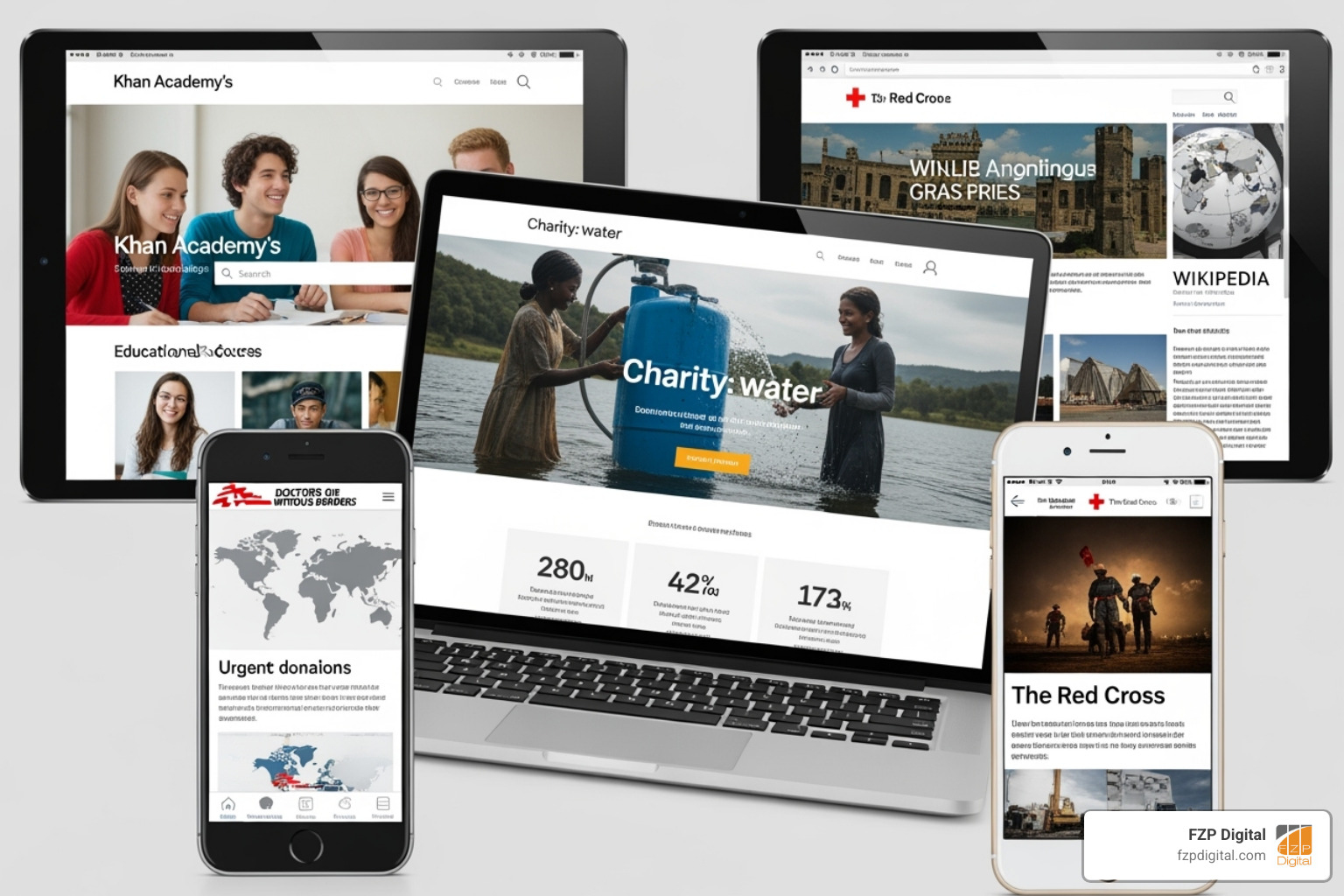
Your website is a living extension of your organization that tells your story, shows your impact, and makes it easy to get involved. Your WordPress site will look and function perfectly on any device.
At FZP Digital, we know a well-crafted website transforms a nonprofit’s reach. Our collaborative “Develop . Design . Deliver” process ensures your site reflects your unique mission. We understand that every nonprofit is unique, and your website should be too.
Your cause deserves to be seen, heard, and supported. The tools and knowledge are now in your hands to make that happen. Ready to turn your vision into reality? Start your nonprofit web design project today and let’s build something amazing together.