

The Best Fast Loading WordPress Themes for Beginners
Fast, SEO-Friendly WordPress Themes Worth Considering
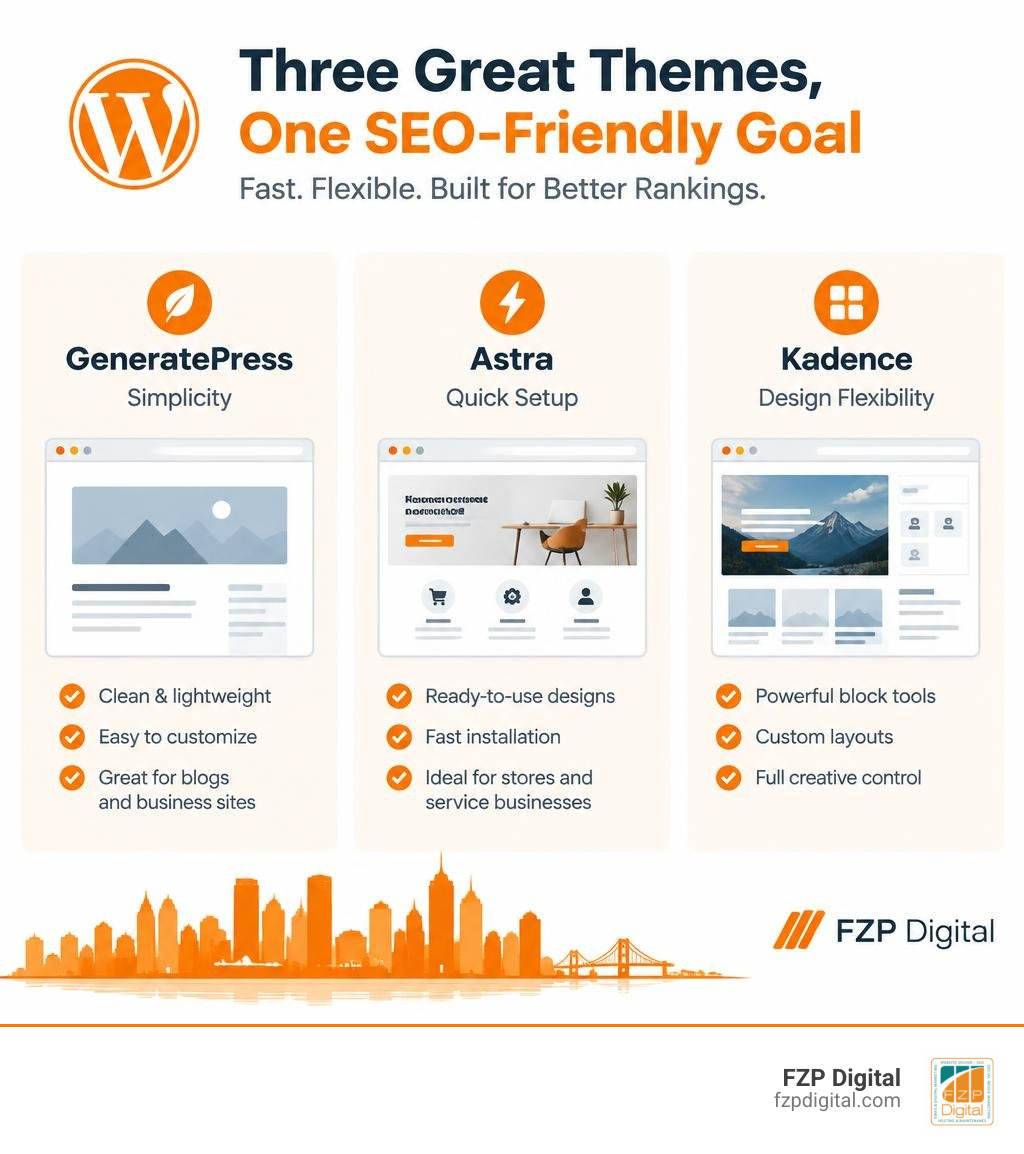
Start with GeneratePress, Astra, or Kadence if you want a fast-loading WordPress theme that’s easy to build on. GeneratePress is a strong choice for a simple blog or business site, Astra offers quick-start designs for stores and service businesses, and Kadence gives you more design control using WordPress blocks. All three offer free versions, so you can try them before paying.
A theme won’t earn rankings on its own. Choose one that works well on phones, then test your actual pages for speed before you commit.
I’m Fred Z. Poritsky, and my work in WordPress design and digital marketing helps Philadelphia-area businesses and nonprofits choose SEO friendly WordPress themes that fit their goals. At FZP Digital, I look for the balance between a site that loads quickly and one you’ll feel good sharing with clients or donors.
What Makes SEO Friendly WordPress Themes Essential in 2026?
Have you ever clicked on a search result, waited four seconds for the page to load, and immediately hit the back button? We have all been there. Search engines notice that behavior right away. In October 2026, building a website on a bloated foundation is one of the easiest ways to kill your organic visibility before you even publish your first blog post.
When Google crawls your website today, it judges your performance using mobile-first indexing and Core Web Vitals. That means your site must look sharp and load instantly on a smartphone over a standard cellular connection.
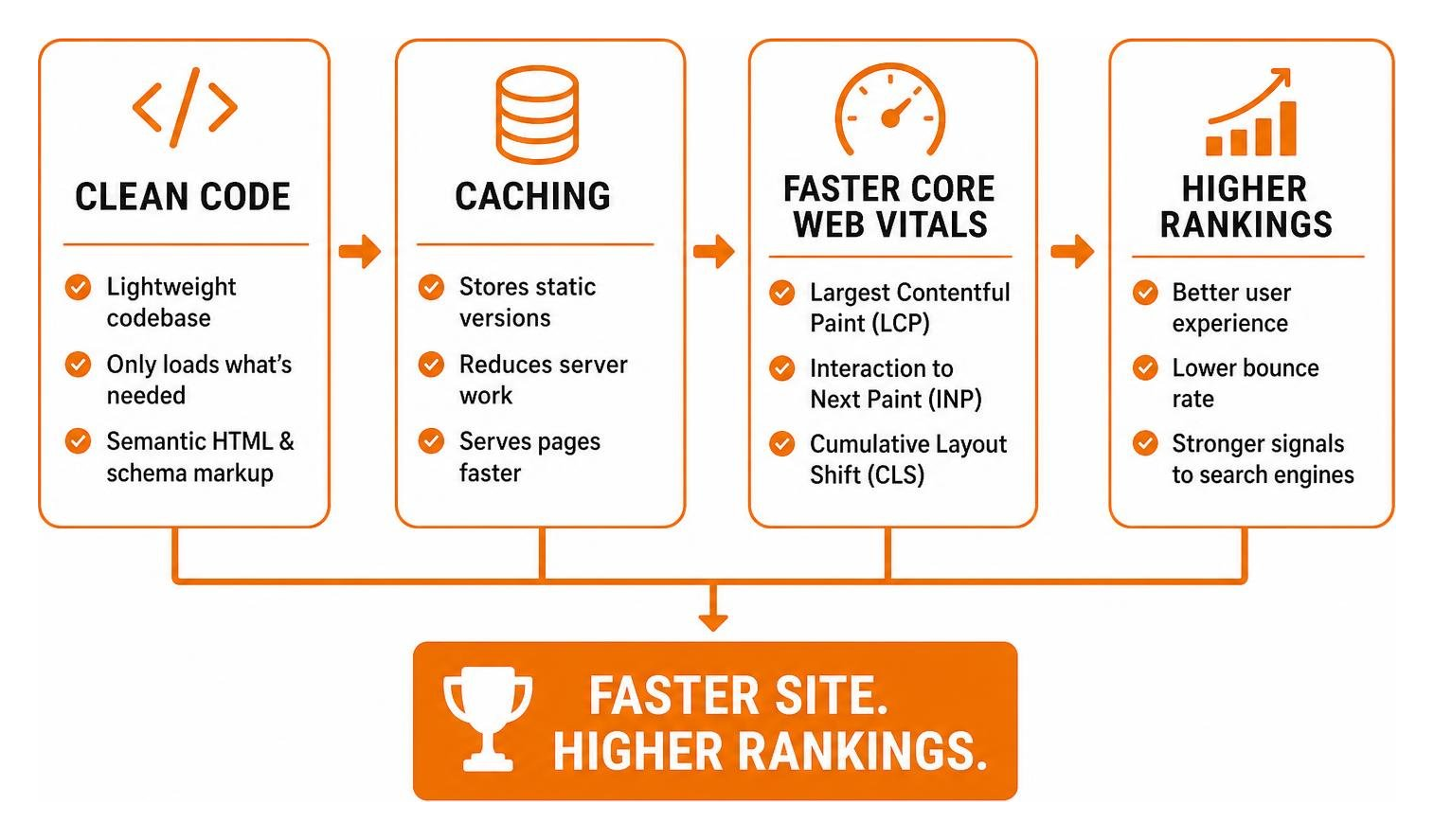
Here is what separates a truly optimized foundation from a sluggish one:
- Lightning-Fast Core Web Vitals: Google measures Largest Contentful Paint (how quickly your main content loads), Interaction to Next Paint (how responsive buttons and links feel), and Cumulative Layout Shift (whether elements jump around while loading).
- Built-in Semantic HTML and Schema Markup: Search engines do not see your design the way humans do; they read code. Themes built with semantic tags (like
, - Lightweight, Clean Codebase: Many multipurpose themes bundle dozens of unused scripts, sliders, and animation libraries that drag down performance. An optimized theme only loads what your visitor actually needs to see.
- Flawless Mobile Responsiveness: Your layout needs to adapt smoothly across every screen size without breaking navigation or hiding critical calls to action.
Adhering to WordPress website design best practices means picking a theme that respects these rules straight out of the box.
Top Lightweight and SEO Friendly WordPress Themes Reviewed
To help you find the right fit without spending hours testing hundreds of options, we evaluated the most popular options on speed, flexibility, and code quality.
| Theme | Core Install Size | Mobile Speed Potential | Best Use Case | Page Builder Support |
|---|---|---|---|---|
| GeneratePress | Under 30 KB | 98–100 / 100 | Pure speed, content blogs, custom builds | Native Gutenberg / GenerateBlocks |
| Astra | Under 50 KB | 92–98 / 100 | Fast business sites, WooCommerce shops | Gutenberg, Elementor, Beaver Builder |
| Kadence | Under 45 KB | 92–97 / 100 | Dynamic layouts, no-code header/footer design | Deep Gutenberg / Kadence Blocks |
| Spexo | ~120 KB | 85–92 / 100 | Visual styling, portfolio landing pages | Elementor-first integration |
| Hello Elementor | Under 10 KB | 90–96 / 100 | Blank canvas for custom visual page building | Elementor Core & Pro |
GeneratePress: Ultra-Lightweight Speed Champion
If your primary goal is raw performance, GeneratePress is virtually impossible to beat. Its core install size is under 30KB, making it one of the most featherweight themes in the entire WordPress ecosystem.
Instead of relying on heavy JavaScript frameworks or clunky design panels, GeneratePress emphasizes clean modular architecture. You can toggle specific theme modules on or off, ensuring that unused code never loads on your live pages. When paired with GenerateBlocks, it allows you to build custom layouts directly inside the native WordPress block editor without bogging down your server with database requests.
It is a fantastic option if you want to know how to optimize WordPress for Google without losing your mind while keeping maintenance simple.
Astra: Versatile Starter Templates for Fast Setups
Astra is one of the most popular themes in the world for good reason. It strikes an incredible balance between lightweight performance and beginner-friendly design templates.
With over 100 pre-built starter templates, Astra lets you launch an attractive website in an afternoon. It features deep integration with WooCommerce, structured schema support, and visual customizer controls that let you adjust typography, colors, and layouts without touching code.
If you are looking for the best WordPress business website templates that do not sacrifice your Core Web Vitals, Astra provides a reliable, well-supported starting point.
Kadence: Gutenberg-First Performance and Schema
For creators who want total visual control over their headers, footers, and typography without adding a sluggish third-party visual builder, the Kadence Theme is an exceptional solution.
Kadence offers over 350 starter templates and site kits engineered specifically for the native block editor. It includes an intuitive drag-and-drop header and footer builder, global color palettes, accessibility-ready code structures, and built-in schema markup tools. It delivers the design flexibility modern businesses want while keeping your server response times snappy.
Spexo and Alternative SEO Friendly WordPress Themes for Beginners
If you prefer building pages using visual drag-and-drop widgets, exploring options like the Spexo Theme gives you an accessible entry point.
Spexo comes packaged with pre-styled Elementor widgets, responsive grid systems, and one-click demo imports tailored for creative portfolios and service providers. While themes designed around third-party visual builders require closer attention to image sizing and caching, they allow beginners to assemble polished layouts quickly without writing custom CSS.
Balancing Visual Builders and SEO Friendly WordPress Themes
Can you build a high-ranking website using visual tools like Elementor, Divi, or SeedProd? Absolutely, but you need to understand the trade-offs.
Visual page builders make design intuitive, but they often generate deeper Document Object Model (DOM) tree structures and load additional CSS and JavaScript files. When multiple heavy scripts compete for browser resources, mobile load times can suffer.
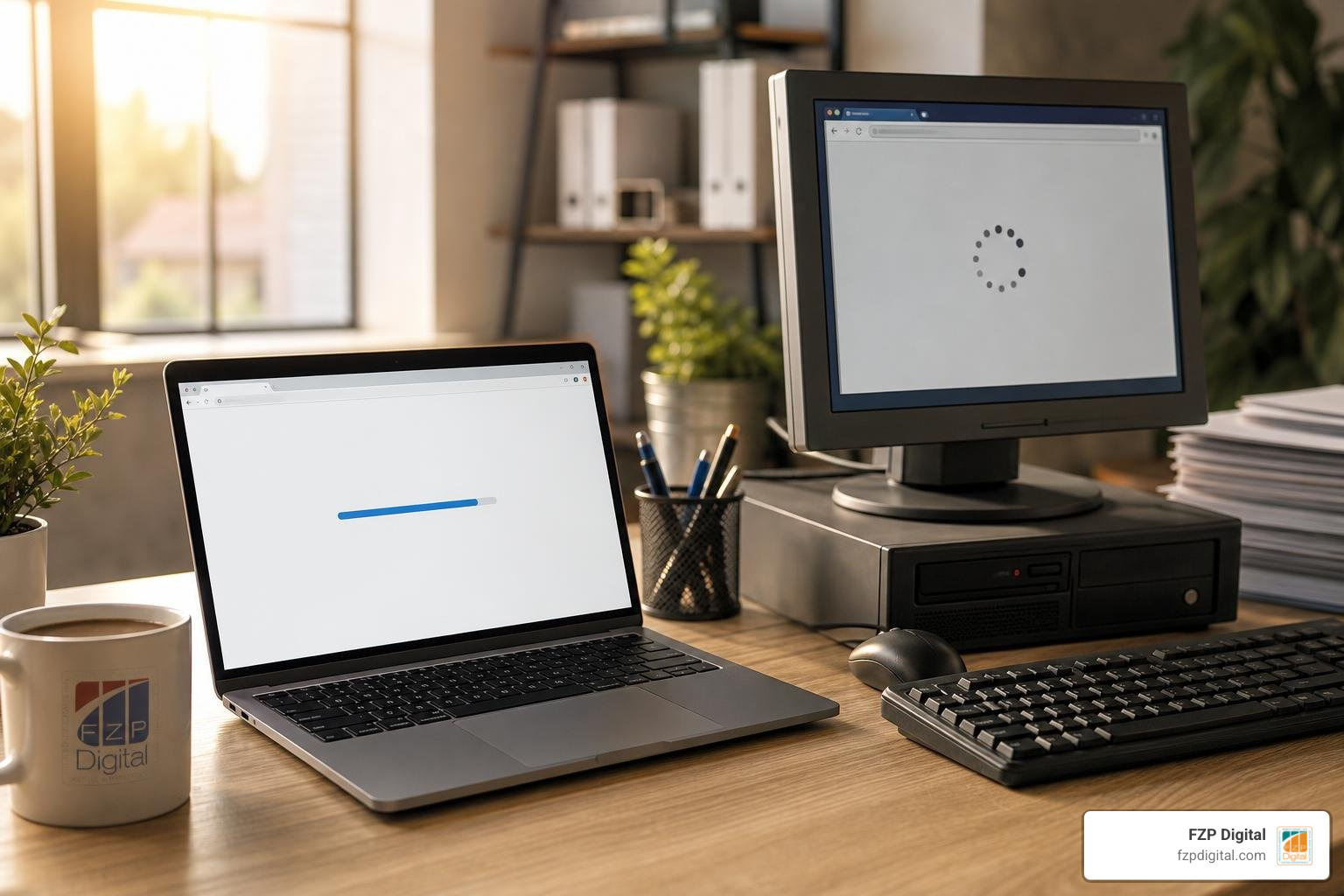
To keep visual builders running smoothly:
- Disable Unused Elements: Turn off unused widgets and animation modules in your builder’s global settings.
- Use Performance Plugins: Combine your builder with a dedicated optimization tool like WP Rocket or WP-Optimize to minify scripts and clean your database.
- Optimize Images Automatically: Convert all uploads to modern WebP formats and ensure above-the-fold hero graphics are preloaded.
How to Choose, Test, and Host Your WordPress Theme for Maximum Speed
Never judge a theme by its shiny demo site alone. Theme developers host their demos on lightning-fast staging servers with stripped-down content. To know how a theme will perform for your business, you need to test it under real-world conditions.
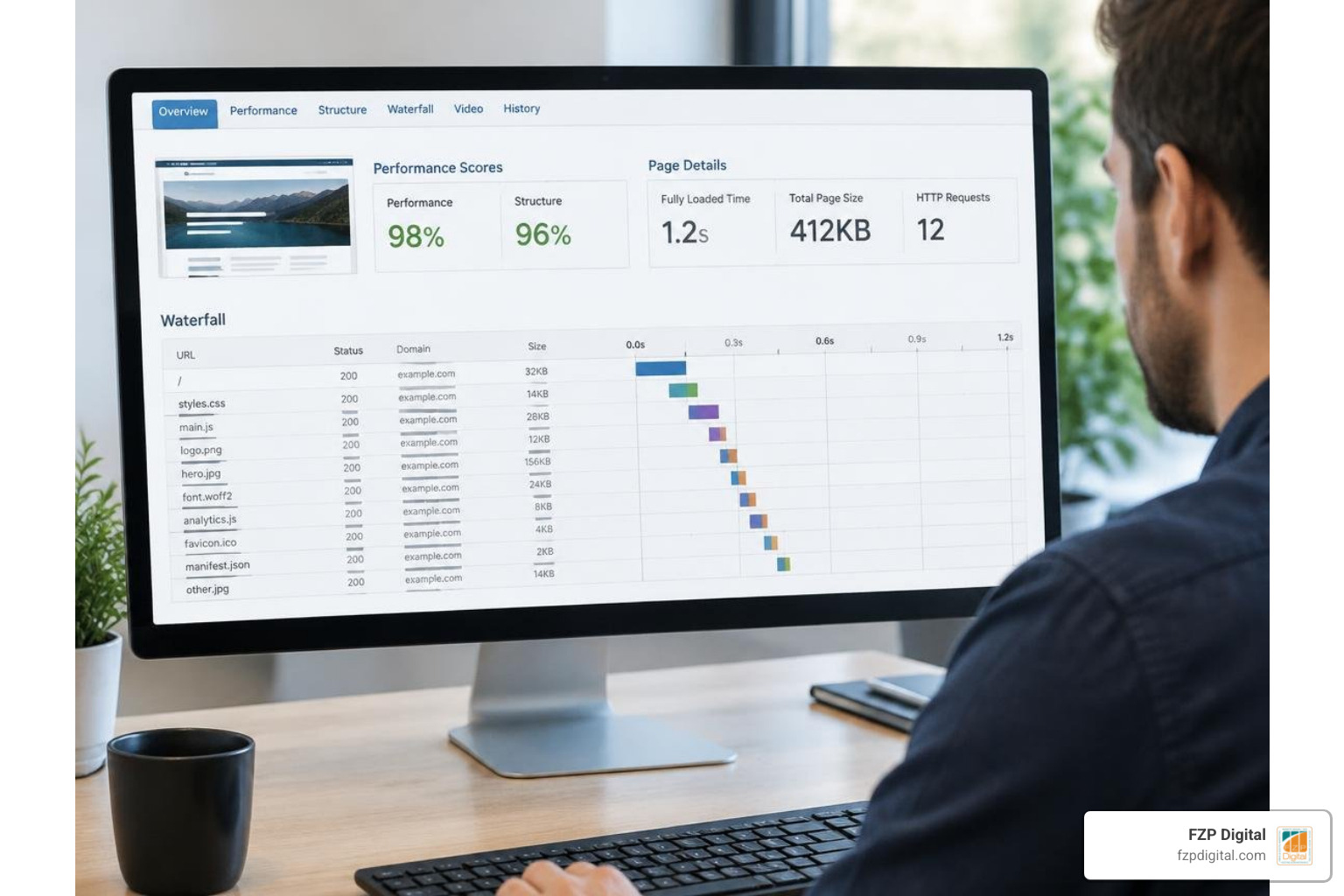
Before you launch:
- Audit on Staging: Set up a staging environment, import your actual page copy and images, and run the URL through Google PageSpeed Insights and GTmetrix.
- Look at Total Requests: Keep your total HTTP requests under 20 and total page weight under 1MB for standard content pages.
- Validate Structured Data: Use Google’s Rich Results Test to confirm your theme outputs clean Organization, Article, and Breadcrumb schema.
Even the fastest theme cannot overcome poor infrastructure. Our team at FZP Digital always stresses that choosing quality hosting is half the battle. When it comes to managed WordPress hosting that provides reliable uptime and rapid server caching, FZP Digital recommends GoDaddy and WP Engine.
If your brand has unique functionality requirements, exploring a custom WordPress website design ensures your codebase contains only what you need, completely eliminating third-party bloat.
Frequently Asked Questions About WordPress Themes and SEO
Are free WordPress themes good enough for ranking on Google?
Yes! Free versions of reputable themes like GeneratePress, Astra, and Kadence use the exact same lightweight code foundations as their premium counterparts. The main difference is that premium upgrades unlock advanced styling options, hook systems, and premium starter templates. As long as the free theme receives frequent security updates and outputs clean HTML, Google will treat it just like any paid theme.
Can I change my WordPress theme without losing existing SEO rankings?
You can safely change your theme, but you must be careful. Switching themes can alter your heading hierarchy (changing an H1 to an H2), remove hardcoded schema markup, or break your navigation structure. Always build and test your new theme on a staging site first, verify that your metadata and tracking scripts remain intact, and ensure your URL permalinks do not change.
How do page builders like Elementor impact Core Web Vitals?
Page builders add extra layers of HTML (DOM bloat) and load external script files to render custom styling. This can cause slower Largest Contentful Paint (LCP) times and layout shifts if assets load out of order. You can minimize this impact by using lightweight block-based builders or enabling strict script deferral and caching rules on your server.
Conclusion
Choosing the right WordPress theme sets the tone for your entire online presence. By starting with a lightweight, clean foundation like GeneratePress, Astra, or Kadence, you give your content the best possible chance to rank well on search engines and convert visitors into loyal customers.
Navigating performance metrics, schema structures, and technical optimization can feel overwhelming when you are trying to run a business. If you need help auditing your current site, migrating to a faster theme, or building a high-performance web presence from the ground up, partner with our team at FZP Digital. As one of the trusted web development companies in Philadelphia, we collaborate with you every step of the way to design, develop, and deliver a fast website that drives real business growth.