

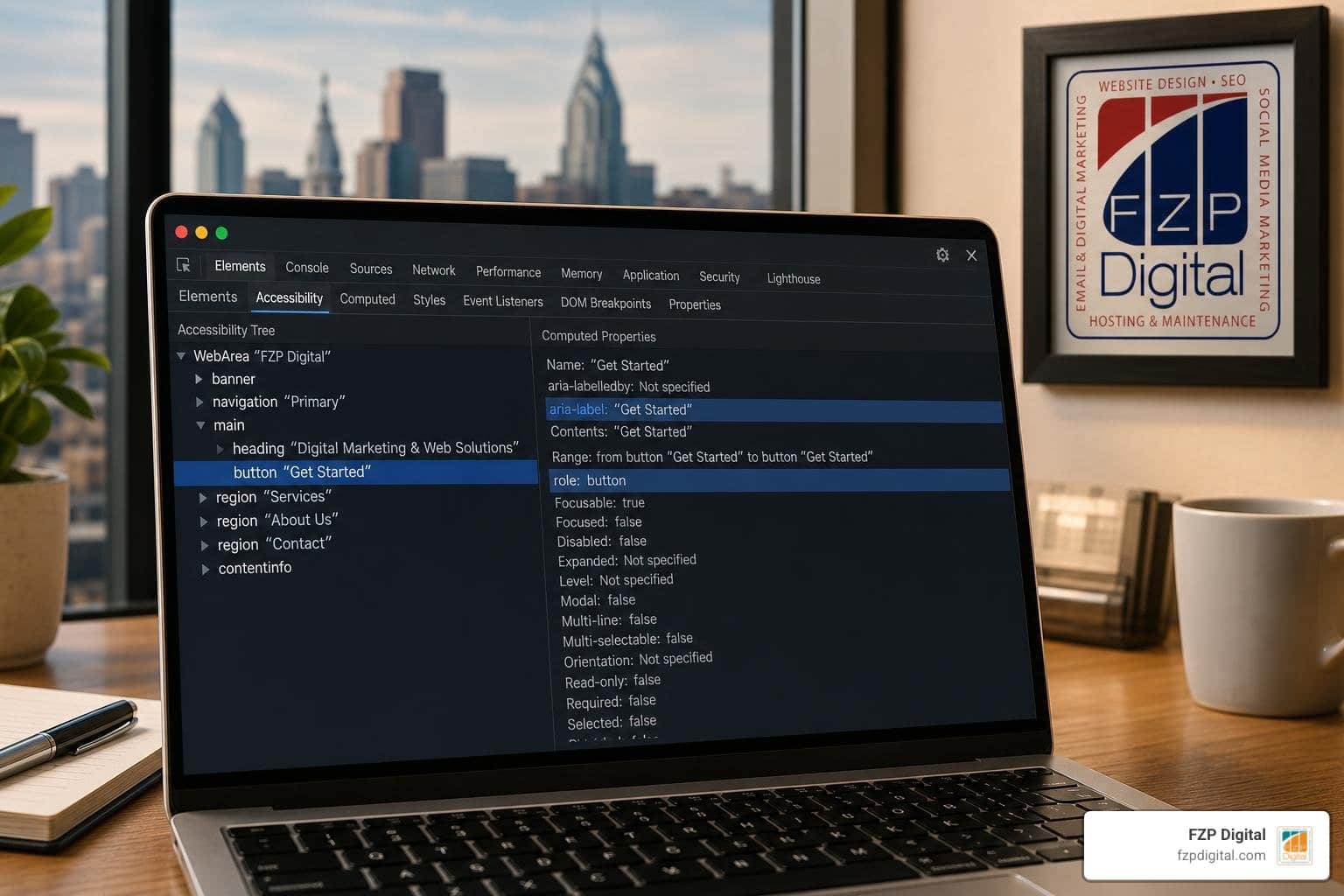
Why Web Accessibility Testing Matters for Compliance and Business Growth
Modern web accessibility testing is a multi-layered process that combines automated scans, manual keyboard checks, and screen reader evaluations to find and fix barriers that prevent people with disabilities from using your website. To execute it effectively, you start by running automated tools like Axe or WAVE to catch structural errors, then manually test keyboard navigation and assistive technology to verify real-world usability. This approach matters because accessibility is directly tied to your legal standing, brand reputation, and organic visibility.
Have you ever tried navigating a website when the text blends into the background, or when clicking a button does absolutely nothing? It is frustrating, right? Now imagine experiencing that on almost every site you visit.
According to the World Health Organization, over 1 billion people—roughly 16% of the global population—live with some form of disability. In the United States alone, there are 61 million adults with disabilities, alongside 71 million Baby Boomers who hold over $548 billion in discretionary spending. When your digital storefront shuts out these users, you leave substantial revenue and community trust on the table.
Understanding web accessibility goes far beyond basic courtesy. From a regulatory perspective, courts consistently interpret Title III of the Americans with Disabilities Act (ADA) to include websites as places of public accommodation. Furthermore, public sector organizations and federal contractors must align with federal standards, making resources like the ultimate Section 508 guide essential reading. Internationally, regulations such as the European Accessibility Act enforce strict digital standards across commercial platforms.
Beyond avoiding legal headaches, accessible websites perform better across search engines. Search crawlers navigate your website much like assistive technology does. Clean semantic markup, descriptive alternative text, logical heading structures, and clear navigation paths reduce bounce rates and help search engines index your content accurately.
Navigating these overlapping design, technical, and regulatory requirements can feel overwhelming. That is why having expert guidance from Fred Z. Poritsky and the seasoned team at FZP Digital makes all the difference in turning potential roadblocks into effortless user journeys.
Core Principles: Understanding WCAG Standards Before You Test
Before you dive into auditing tools, you need to understand the benchmark used across the globe: the Web Content Accessibility Guidelines (WCAG). WCAG is organized around four foundational principles, commonly referred to as POUR:
- Perceivable: Users must be able to comprehend the information being presented. It cannot be invisible to all of their senses.
- Operable: Users must be able to operate the interface. Navigation cannot require interactions that a user cannot perform.
- Understandable: Content and interface operations must be clear, predictable, and easy to grasp.
- Robust: Code must be reliable enough to be interpreted by a wide variety of user agents, including modern assistive technologies.
WCAG breaks down success criteria into three distinct conformance levels: Level A (minimum foundational support), Level AA (the standard legal and commercial target), and Level AAA (specialized, maximum accessibility). To see how these apply to your daily layouts, explore our essential checklist of WCAG guidelines.
| Conformance Level | Scope of Requirements | Primary Target Benchmark | Key Practical Examples |
|---|---|---|---|
| Level A | Basic web accessibility barriers addressed | Absolute minimum legal baseline | Keyboard access provided; basic text alternatives; no keyboard traps |
| Level AA | Comprehensive barrier removal for standard web use | Standard target for ADA, Section 508, & global law | 4.5:1 text contrast ratio; visible focus indicators; clear form error suggestions |
| Level AAA | Advanced enhancements for specialized environments | Highly specialized government or educational portals | 7:1 enhanced contrast; sign language interpretation for all prerecorded audio |
The Multi-Layered Approach to Web Accessibility Testing
A common misconception in web design is that installing a quick scanner or an automated widget solves all your compliance needs. The reality? WebAIM studies show that 96.8% of top homepages contain significant accessibility barriers, averaging over 50 distinct violations per page.
More importantly, automated testing software can only detect about 30% to 40% of WCAG issues on its own. Automation cannot determine if alt text accurately describes the mood of a photo, or if a multi-step checkout workflow makes logical sense.
To achieve true digital inclusion, you must adopt a multi-layered approach:
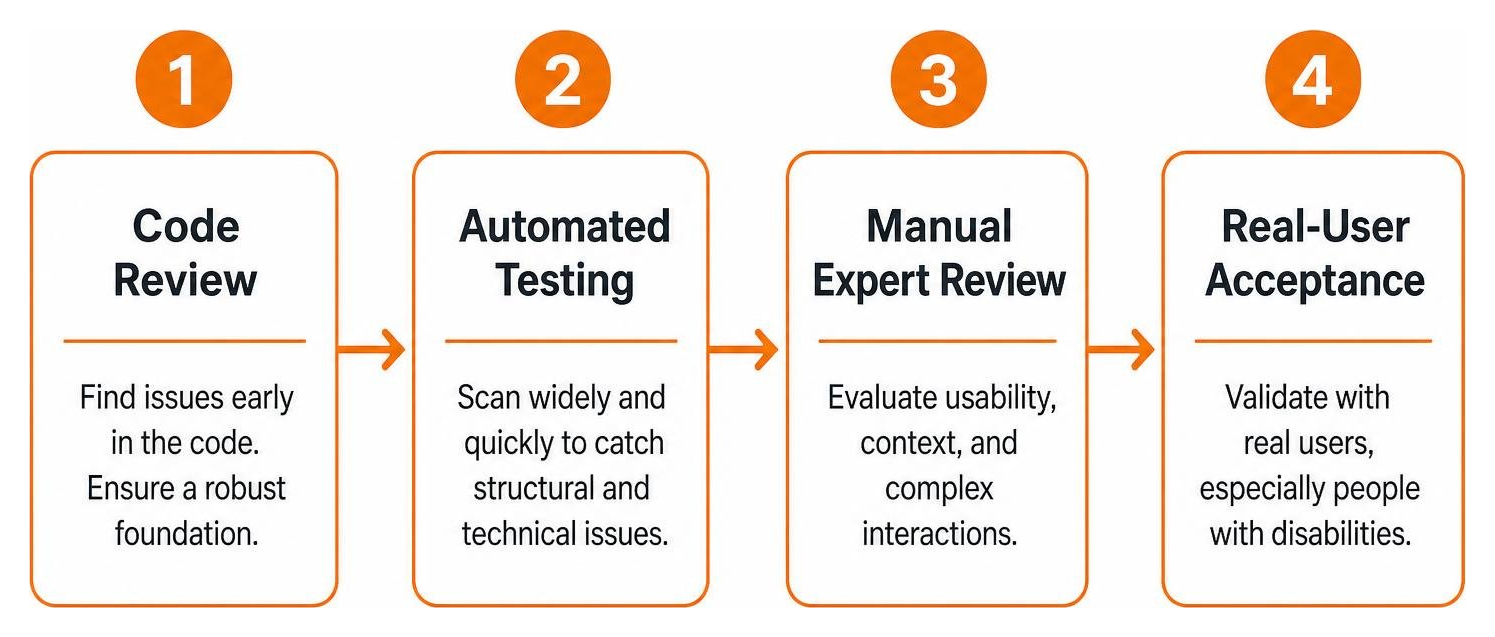
When selecting auditing solutions, evaluating which website accessibility checker catches the most errors is a smart start. However, avoid third-party AI overlay toolbars or widgets. These quick-fix scripts frequently fail to interact properly with native assistive hardware and often introduce brand-new usability barriers.
Choosing Automated Web Accessibility Testing Tools
Automated scanners provide rapid coverage across hundreds of pages, alerting your team to immediate structural errors. Several proven tools anchor a modern testing toolkit:
- Axe DevTools Extension: Powered by the industry-standard axe-core engine—which boasts billions of downloads—this browser extension uncovers markup errors directly inside your developer console. You can grab the axe DevTools Chrome extension to start inspecting components instantly.
- WAVE Evaluation Tools: Developed by WebAIM, WAVE provides immediate visual feedback directly on top of your page content, highlighting contrast issues, missing labels, and structural heading flaws.
- Google Accessibility Developer Tools: Open-source libraries and Chrome Lighthouse audits that quickly evaluate accessibility scores and core performance metrics.
- IBM Equal Access Toolkit: Comprehensive browser extensions and test-runner packages designed to embed accessibility rules directly into dynamic build processes.
For a broader inventory of specialized testing software, consult the official WAI evaluation tools list maintained by the W3C.
Performing Manual and Screen Reader Evaluations
Once your automated tools flag low-hanging markup errors, manual evaluation begins. The most critical manual check is keyboard navigation.
Put your mouse aside and test your pages using only the Tab, Shift + Tab, Enter, Spacebar, and Arrow keys:
- Can you reach every interactive link, button, and input field?
- Is there a crisp, clear visual focus ring around whichever element currently has focus?
- Can you open, navigate, and close modals or dropdown menus without getting trapped?
- Does a visible “Skip to Content” link appear on the first tab press?
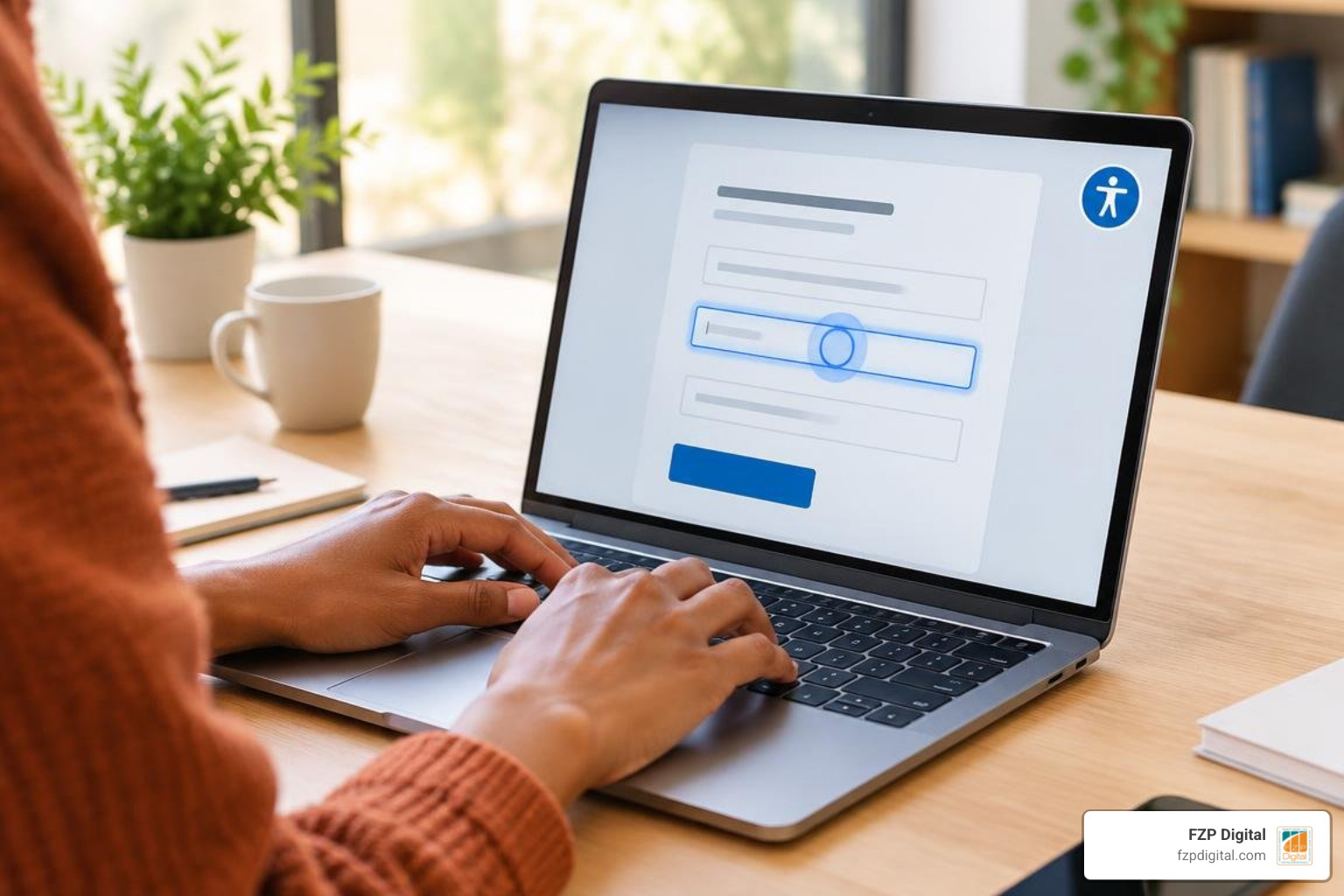
Next, evaluate your pages using popular screen readers such as NVDA or JAWS for Windows, and VoiceOver for macOS and iOS. Listen to how your content is vocalized. Are headings read in a logical, hierarchical sequence? Do interactive elements announce their proper names, roles, and states?
For a deeper dive into optimizing layouts for voice output, review our complete guide on how to design for screen readers.
Step-by-Step Guide to Conducting a Web Accessibility Audit
Executing a reliable audit requires a repeatable, organized system. Following the ultimate guide to accessible web design, here is a practical workflow to systematically audit your digital presence:
- Validate Underlying HTML & Structure: Run your pages through the W3C markup validator to eliminate unclosed tags, duplicate element IDs, and broken nesting.
- Verify Color Contrast Ratios: Ensure all standard body text achieves at least a 4.5:1 contrast ratio against its background (3:1 for large text and vital UI components like form input borders).
- Audit Alternative Text: Inspect all image assets. Meaningful graphics require clear, concise descriptions, while purely decorative icons should use empty alt attributes (
alt="") so screen readers skip them smoothly. - Check Form Labels and Dynamic Validation: Ensure every
,, andhas an explicitly programmatically associated. Submit forms with deliberate errors to confirm alerts are clearly announced to assistive tools. - Examine Dynamic Interactive Components: Verify that custom widgets (accordions, tabs, carousels) utilize standard ARIA attributes (
aria-expanded,aria-hidden) correctly without breaking native HTML functionality. - Test Keyboard Traps & Page Scaling: Ensure users can zoom text up to 200% without horizontal scrolling or overlapping page text, and confirm full keyboard navigation across the entire page.
- Conduct Screen Reader Run-Throughs: Complete primary user journeys—such as requesting a quote, signing up for a newsletter, or purchasing a product—using assistive voice software.
Involving Real Users and Continuous Integration in Web Accessibility Testing
Automated scans and internal checks provide a solid baseline, but nothing replaces testing with people who have lived experience with disabilities. Engaging users with diverse motor, visual, and cognitive needs uncovers subtle usability friction points that no specification sheet can predict.
To prevent accessibility issues from creeping into future design updates, integrate automated testing directly into your continuous integration and deployment (CI/CD) pipelines. By adding automated npm packages like @axe-core/cli or IBM Equal Access into your build workflows, your team catches regressions before code ever reaches production.
If orchestrating this multi-phase auditing and testing workflow feels complex, booking a dedicated website accessibility audit with our experienced team ensures every layer is expertly verified.
Frequently Asked Questions About Web Accessibility Testing
Can automated tools catch all web accessibility issues?
No. Automated tools generally detect only 30% to 40% of WCAG violations. They excel at identifying mechanical errors—such as missing alt tags or invalid color contrast math—but cannot evaluate context, clarity, logical tab order, or the usability of interactive elements. Comprehensive testing always requires human review and screen reader verification.
What are the most common WCAG errors found during an audit?
The vast majority of website accessibility failures stem from a handful of recurring issues:
- Insufficient color contrast between text and background elements.
- Missing, vague, or redundant alternative text for images.
- Missing or unlinked form input labels.
- Ambiguous link anchor text (such as “click here” or “learn more”).
- Missing document primary language declarations.
How often should a website undergo web accessibility testing?
Ideally, accessibility testing should be continuous. Automated checks should run within your development environment during every code deployment. In addition, organizations should conduct a comprehensive manual audit quarterly, as well as during any major website redesign or feature rollout.
Conclusion
Building an accessible online experience is an ongoing commitment to user experience, equity, and sustainable business growth. When you remove hidden barriers from your digital channels, you welcome more visitors, strengthen your search visibility, and protect your organization from compliance risks.
At FZP Digital, we believe inclusive design and high-converting, beautiful websites go hand in hand. Whether you are running a business in Philadelphia, managing an organization in Newtown or Richboro, or expanding your reach across Bucks County, we are here to support your journey. From crafting custom WordPress layouts to fine-tuning search performance and managed hosting infrastructure, we make web accessibility straightforward and achievable.
Ready to provide an exceptional web experience for every single visitor? Partner with FZP Digital for professional website accessibility services and build a digital presence you can be proud of.