

Stop Losing Leads by Connecting Your Website to Your CRM
Why You Should Integrate CRM with Website Platforms
Have you ever wondered how much time your team spends jumping back and forth between different software platforms just to keep your customer records updated? It is a common headache. In fact, we often talk about how you can stop toggling tabs by connecting Outlook to your CRM to save sanity and time, and the exact same logic applies to your website.
When you do not integrate crm with website systems, you are essentially forcing your marketing and sales departments to work in isolated silos. Let us look at the numbers: the average organization today uses over 900 different apps, yet only 28% of those applications are integrated. It is no wonder that 81% of IT leaders report that data silos are actively blocking their digital transformation efforts.
By connecting your website directly to your CRM, you establish a “single source of truth” (SSOT). This means that every piece of lead capture data, every customer interaction, and every behavioral footprint is automatically stored in one centralized location.
The business benefits of breaking down these silos are massive:
- Smarter Lead Capture: You will never lose a hot prospect to a buried email inbox again. For example, Wix users who leverage their site’s built-in lead capture solutions get up to 20 times more leads.
- Flawless Data Accuracy: Manual data entry is the natural enemy of clean data. Automated integration ensures that names, phone numbers, and email addresses are transferred exactly as the user typed them.
- A Seamless Customer Experience: When your website talks to your CRM, your business can respond to inquiries almost instantly. In one real-world case, a B2B SaaS company integrated their Webflow forms with Salesforce and achieved a 22% faster response time.
- Empowered Sales Teams: According to Salesforce data, high-performing sales teams are 3.5 times more likely to use a fully integrated CRM across their website, marketing stack, and internal tools.
As we head deeper into 2026, the market is moving fast. Gartner predicts that 75% of B2B sales interactions will be digital-first. If your website is still operating as a passive digital brochure rather than an active extension of your CRM, you are giving your competitors a massive head start.
The Core Methods to Integrate CRM with Website Systems
So, how do we actually bridge the gap between your website and your CRM? Depending on your business size, budget, and existing technology stack, there are a few primary architecture patterns you can use.
If you want to dive deep into the technical plumbing, we have written a complete guide on how to hook your data up to your CRM using APIs. But to keep things simple, let us break down the four most common integration methods:
- Built-in Connectors and Plugins: Many modern CRMs and content management systems (CMS) offer native, out-of-the-box integrations. For instance, you can use prebuilt tools like Fstop CRM integrations to connect your site to Google, Stripe, and webhooks without paying for extra plugins or third-party middleware.
- Integration Platform as a Service (iPaaS): Platforms like Zapier or Make act as a translator between your website and your CRM. These are fantastic for simple to moderate workflows, though they can become costly and complex to manage as your lead volume scales.
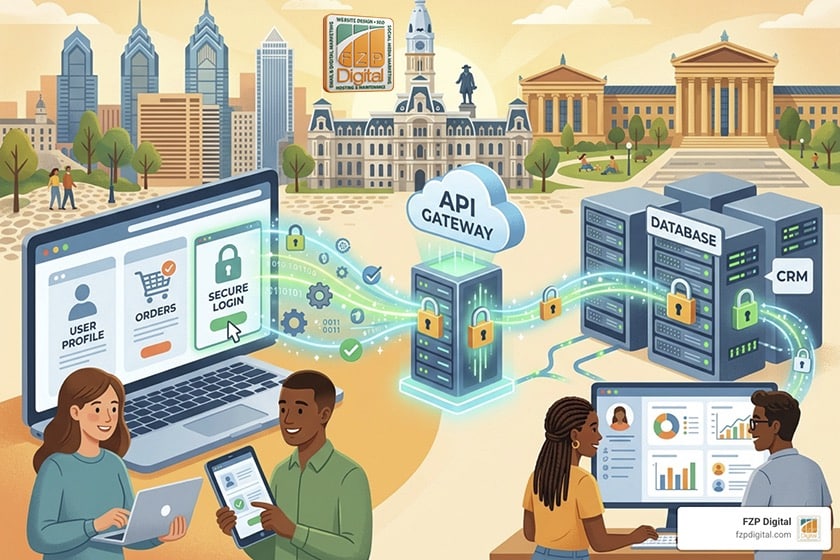
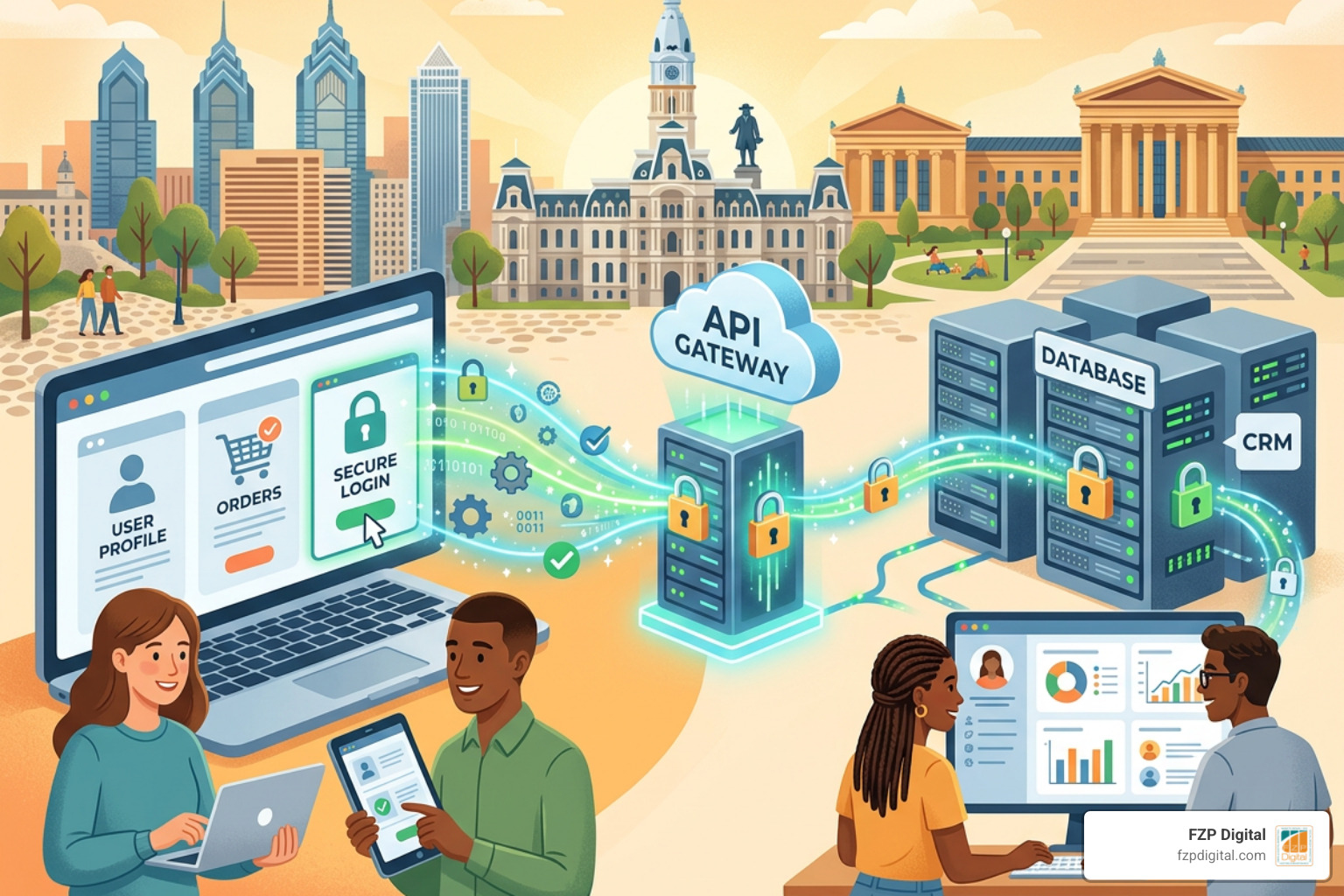
- Custom API Integrations: For custom-built websites or complex business logic, a direct API integration is the gold standard. This involves writing custom server-side code to send data securely from your website’s database directly to your CRM’s API endpoints.
- Webhooks: A webhook is a lightweight way for one app to send real-time data to another as soon as an event happens (like a form submission). It is fast, efficient, and supported by almost all major website builders.
When designing these data flows, it is crucial to understand the difference between client-side and server-side integration. Client-side integration happens directly in the user’s browser (like a basic tracking script), while server-side integration happens securely on your web server. For sensitive operations—such as creating sales deals or processing customer portal logins—we always recommend server-side integration to keep your data safe.
To help you decide which path is right for your business, here is a quick comparison of the three most popular integration approaches:
| Feature | Built-in Connectors | iPaaS (Zapier / Make) | Custom API Integration |
|---|---|---|---|
| Setup Speed | Extremely Fast (Minutes) | Fast (Hours) | Moderate to Slow (Weeks) |
| Customization | Low (Standard fields only) | Moderate | Unlimited |
| Maintenance | Low (Handled by vendor) | Moderate | High (Requires developer) |
| Security Control | High | Moderate | Extremely High |
| Scalability | High | Low to Moderate | Unlimited |
If you are looking for professional guidance on which architecture fits your business goals, working with a local specialist makes all the difference. Our team at FZP Digital is always here to help you navigate these technical decisions and design a seamless integration that scales with your business.
Step-by-Step: How to Integrate CRM with Website Forms
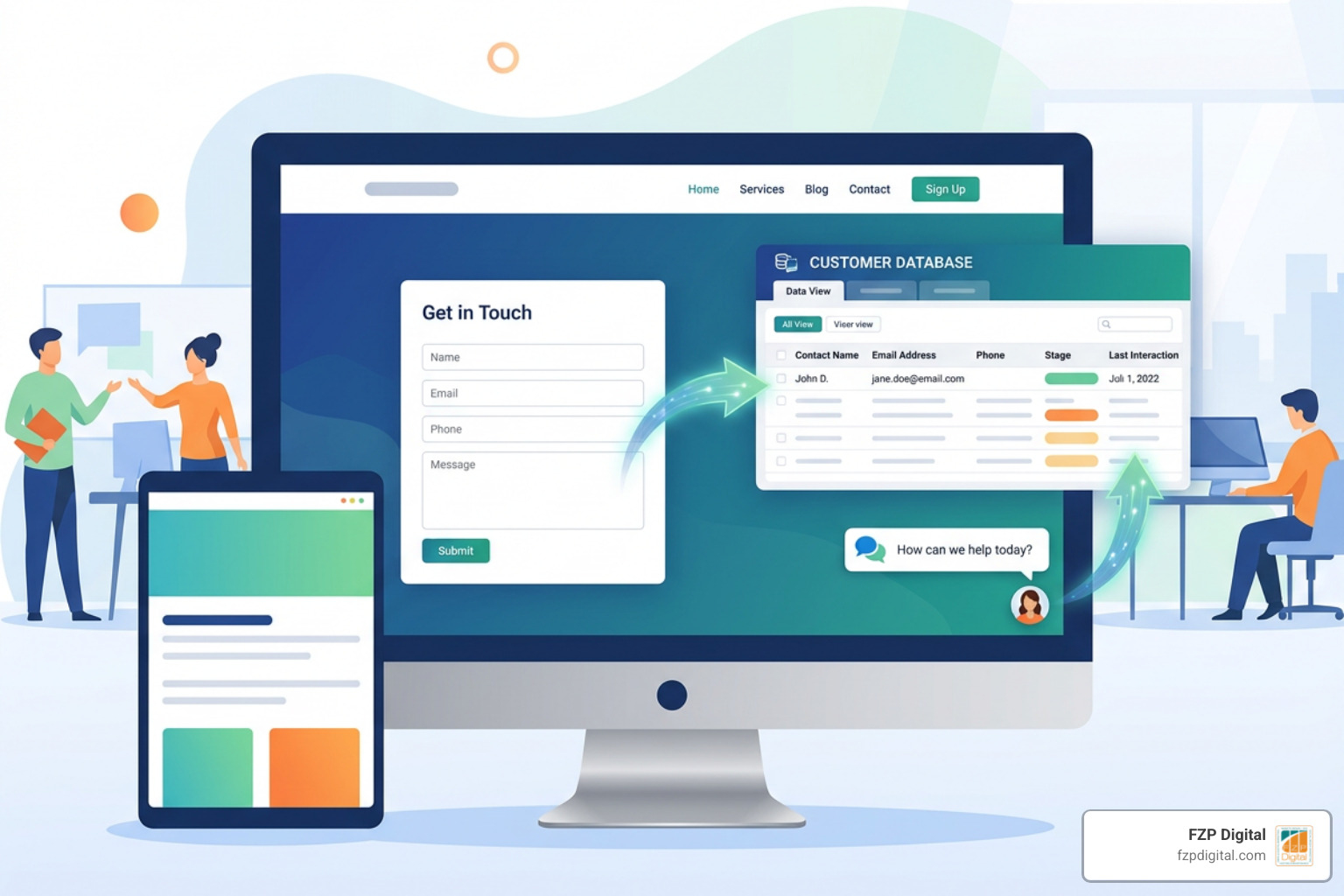
Forms are the lifeblood of online lead generation. Whether it is a “Contact Us” form, a newsletter sign-up, or a free quote request, you need that data to flow into your CRM instantly. Let us look at how you can make this happen on a WordPress site.
If you are using HubSpot, the easiest way to start is to install and use the HubSpot WordPress plugin. This plugin automatically embeds your HubSpot forms, live chat, and tracking scripts directly into your WordPress dashboard, making setup a breeze. If you are a Pipedrive user, you can follow our detailed beginners guide to WordPress Pipedrive integration to connect your forms and map your custom fields.
For a successful form integration, we recommend following these steps:
- Map Your Fields: Before writing any code or activating a plugin, map out your fields. Make sure the fields on your website form (e.g., “First Name”, “Company Size”) match the exact field names and data types in your CRM database.
- Set Up the Connection: Use a native form plugin (like Gravity Forms, WPForms, or Elementor Forms) and connect it to your CRM via a native add-on, a webhook, or an iPaaS tool.
- Capture the Original Source: Ensure your integration captures UTM parameters and tracking cookies. For example, HubSpot uses a special cookie called
hubspotutk. Passing this cookie value through your forms allows your CRM to link the contact record with the lead’s entire anonymous browsing history on your site. - Implement Real-Time Sync and Error Handling: Do not rely on batch uploads. Your sales team needs to reach out while the lead is hot! Make sure your integration uses real-time synchronization, and always build in error-logging alerts so you are notified immediately if an API connection drops.
Advanced Personalization: Integrate CRM with Website Tracking
Capturing form submissions is only the first step. If you want to deliver a truly personalized experience that converts casual visitors into loyal customers, you need to track how people interact with your site before and after they fill out a form.
By adding your CRM’s tracking code to your website, you can monitor behavioral events such as page views, content downloads, and product clicks. For enterprise-level personalization, developers can integrate the Salesforce Interactions SDK. This SDK allows you to capture detailed behavioral data, map it to Salesforce Data Cloud, and build custom sitemaps that track specific user journeys.
This deep level of integration supports advanced AI features, including:
- AI Chatbots: When a chatbot is integrated with your CRM, it can qualify leads, reference past purchase history, and create fully briefed CRM contacts for your sales team.
- Predictive Lead Scoring: Your CRM can analyze behavioral patterns—like visiting a pricing page three times—to automatically increase a lead’s score and alert a sales rep.
- Dynamic Personalized Content: You can customize your website’s homepage or call-to-action buttons in real time based on the visitor’s CRM industry, company size, or pipeline stage.
Best Practices and Challenges of CRM-Website Integration
While the rewards of connecting your website and CRM are massive, there are several technical and strategic pitfalls you must avoid to ensure a secure and stable integration.
First, you must prioritize data security and compliance. Since your website is collecting first-party data, your integration must comply with regulations like GDPR and CCPA. This means encrypting data in transit using HTTPS, storing explicit consent timestamps in your CRM, and ensuring your tracking cookies respect user opt-out preferences.
Second, be mindful of API rate limits. Most CRM platforms limit the number of API requests you can make in a given hour or day. If your website experiences a sudden spike in traffic, a poorly optimized integration could hit these limits, causing form submissions to fail. Implementing retry logic and caching can help prevent these silent failures.
Third, think about your broader business ecosystem. Your website and CRM do not live in a vacuum. To maximize efficiency, you should also learn how to integrate SMS and phone systems with CRM for seamless outreach, and understand how to make your money talk by connecting CRM and accounting to sync invoices and customer payments. You can also explore how Pipedrive CRM integrations can save your sales team time by automating repetitive post-sales tasks.
Finally, the performance and reliability of your website play a massive role in successful integrations. A slow, poorly hosted site can cause API timeouts and lost leads. That is why we highly recommend using premium managed WordPress hosting. At FZP Digital, we recommend GoDaddy as a top hosting option, alongside WP Engine, to keep your site fast, secure, and always online.
Frequently Asked Questions about CRM Website Integration
Integrating your website with a CRM can feel overwhelming, but we are here to simplify the process. Here are the answers to some of the most common questions we hear from business owners in Philadelphia and Bucks County.
What is a CRM website integration and why does it matter?
A CRM website integration is the process of connecting your website directly to your Customer Relationship Management (CRM) system. This connection enables automatic, real-time data exchange between the two platforms.
It matters because it eliminates manual data entry, prevents leads from falling through the cracks, and provides your sales and marketing teams with a single source of truth for all customer data.
Which CRM is best for website integration?
The “best” CRM depends entirely on your business size, budget, and specific needs:
- HubSpot is widely considered the gold standard for inbound marketing and offers incredibly user-friendly website integration tools and plugins.
- Salesforce is the premier choice for mid-market and enterprise companies requiring deep customization, advanced security, and robust AI personalization capabilities.
- Zoho and Pipedrive are fantastic, cost-effective options for growing small-to-medium businesses (SMBs) looking for clean pipelines and straightforward form integrations.
Do I need custom development to connect my CRM?
Not always! If you just need to connect a basic contact form or embed a simple live chat widget, you can usually achieve this in a few hours using out-of-the-box plugins or iPaaS tools like Zapier.
However, if you require bidirectional data syncing (where your CRM updates automatically change content on your website), custom data structures, or advanced security compliance, investing in custom API development is highly recommended to ensure scalability and long-term stability.
Conclusion
At the end of the day, your website should be your hardest-working employee—capturing leads, qualifying prospects, and delivering seamless customer experiences 24/7. But without a direct connection to your CRM, even the most beautiful website will struggle to drive real, measurable growth.
We know that navigating APIs, webhooks, and database synchronization can feel like a daunting challenge. That is why having an experienced guide is so important.
At FZP Digital, we specialize in helping businesses in Richboro, Newtown, Philadelphia, and Downtown Philadelphia build premium responsive WordPress websites that look amazing and connect seamlessly to the business tools you rely on every day. Our collaborative “Develop . Design . Deliver” process ensures that your digital presence is fully optimized to capture every single lead and turn clicks into customers.
Ready to stop losing leads and supercharge your sales pipeline? Explore FZP Digital’s Digital Marketing Services today, or reach out to Fred Z. Poritsky and our team to schedule your custom website and CRM integration audit!